Pelican’s context switcher is the main way you’ll get around with Pelican:
- Your garage shows your cars.
- Your logbook shows your address book, documents, records, trips, and scan sessions.
- The map shows the world around you.
- Your dashboards show custom-built charts and widgets.
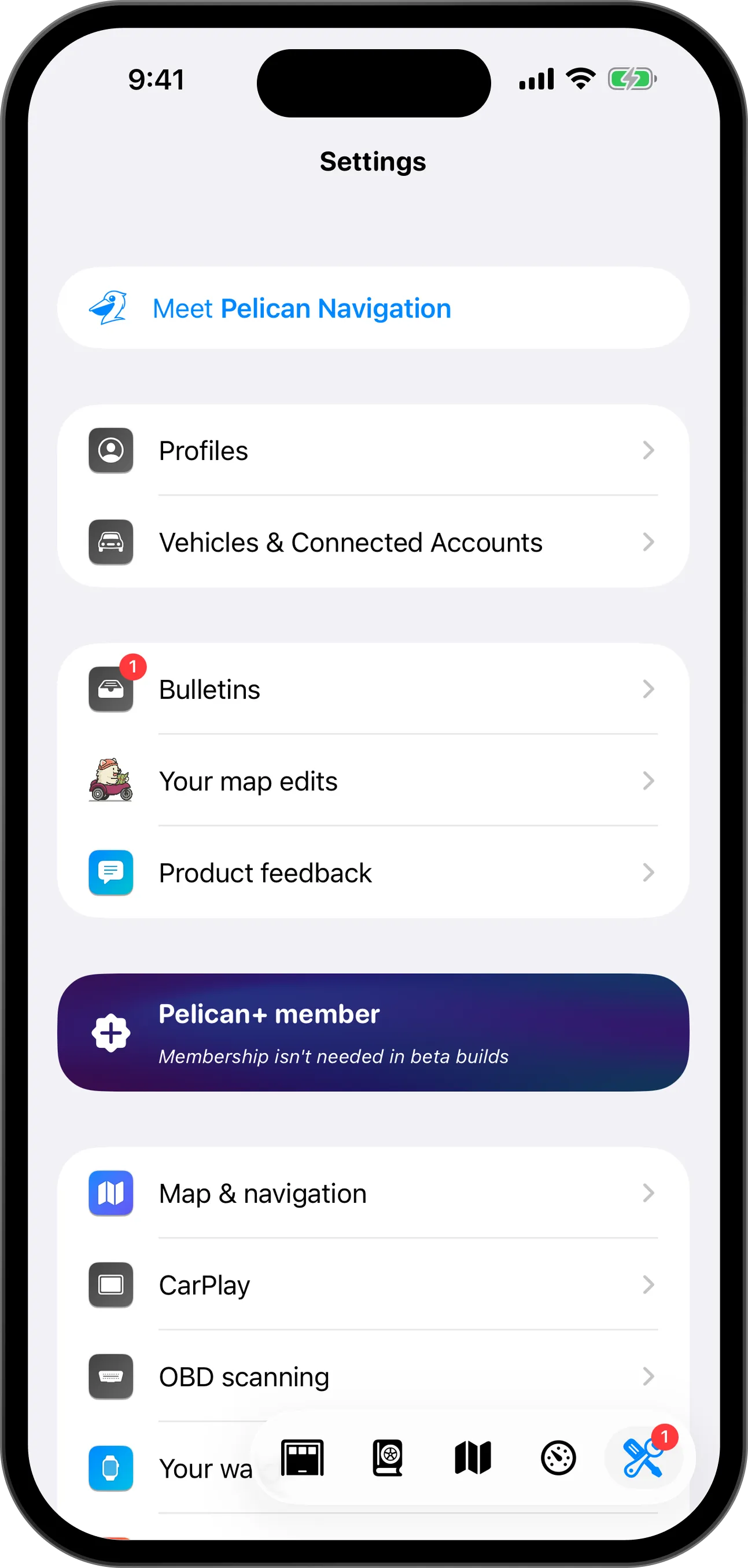
- Settings is where you go to customize Pelican.
Your garage
The garage lists your cars. Tap car to open its page.
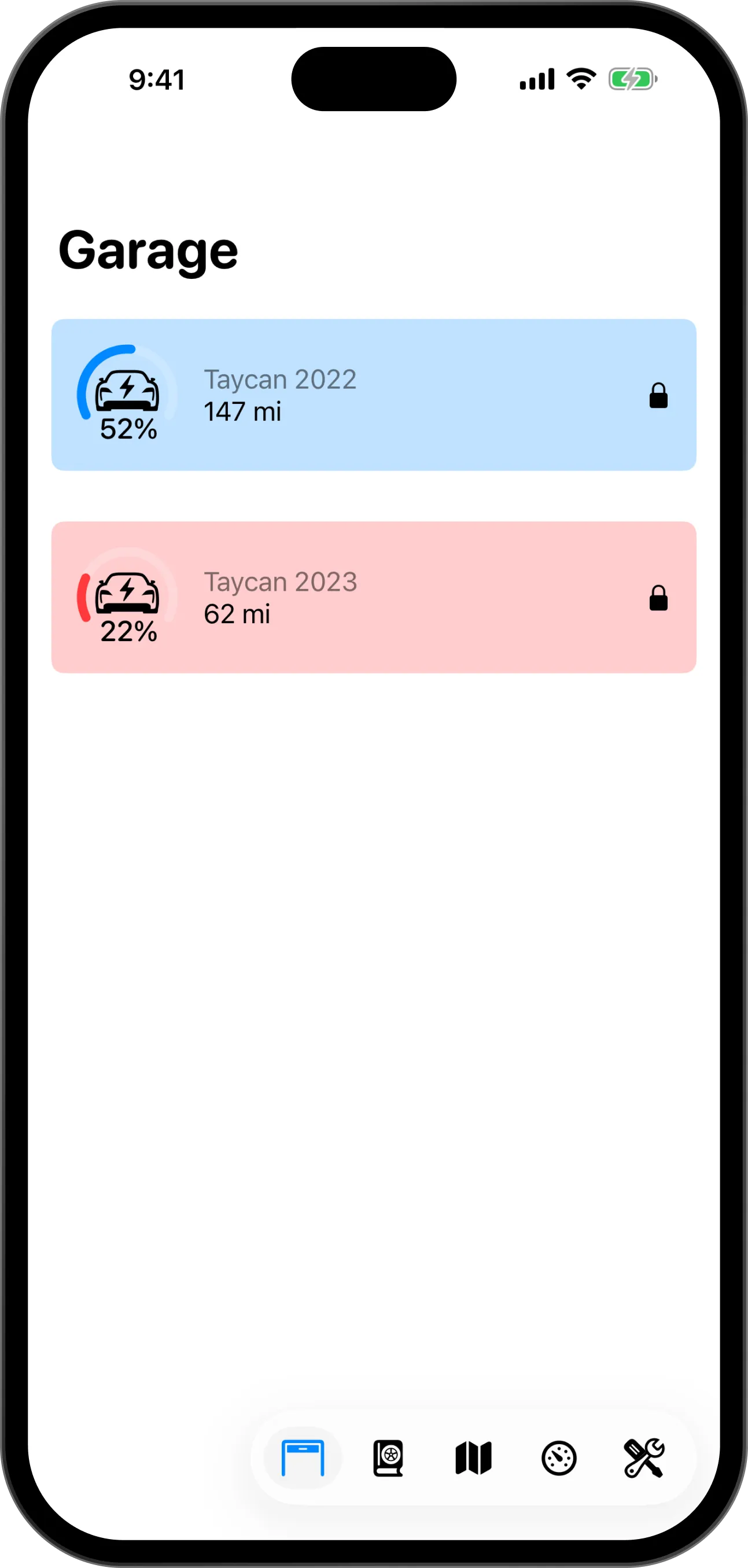
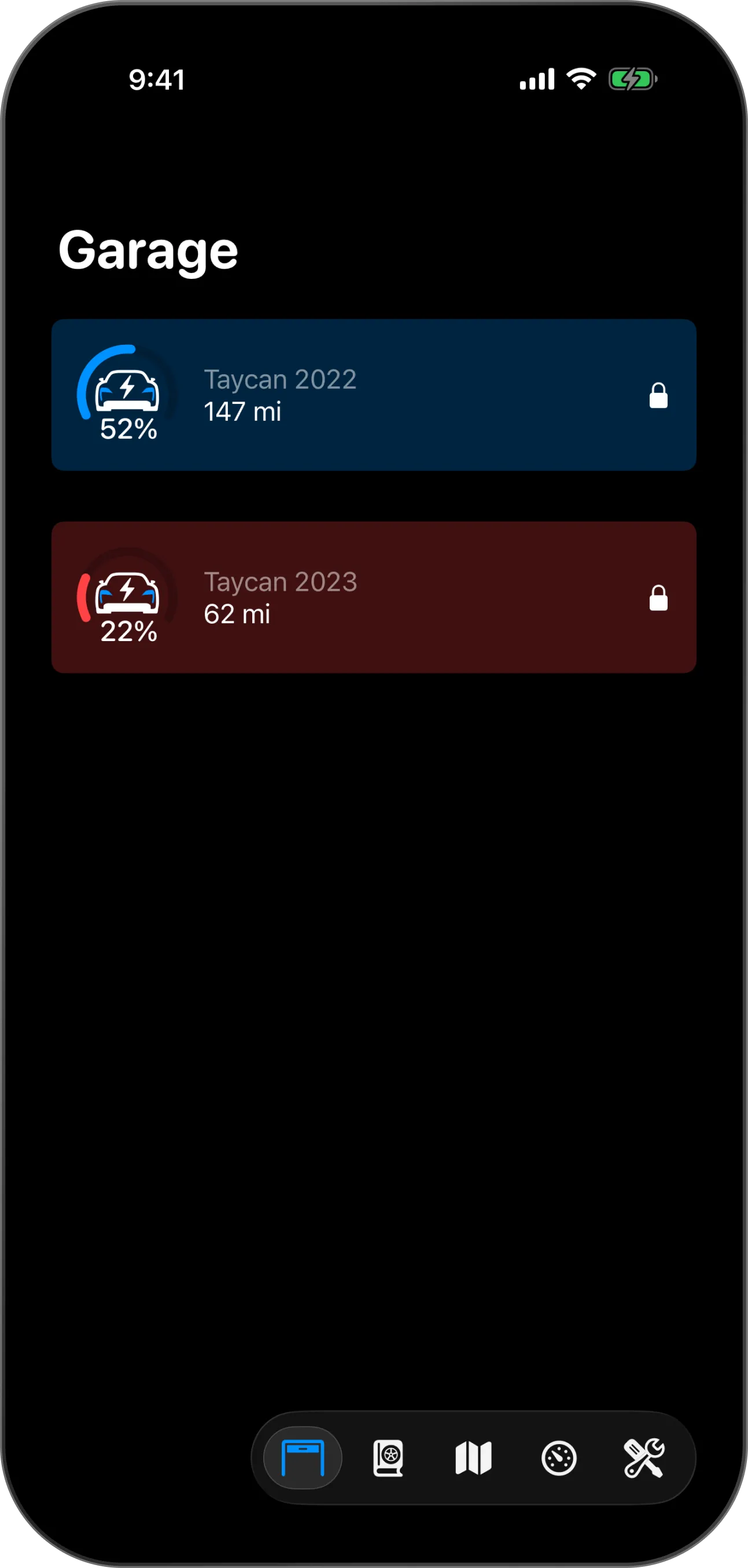
- Your car
- Battery or fuel level
- Range left
- Your garage
Your logbook
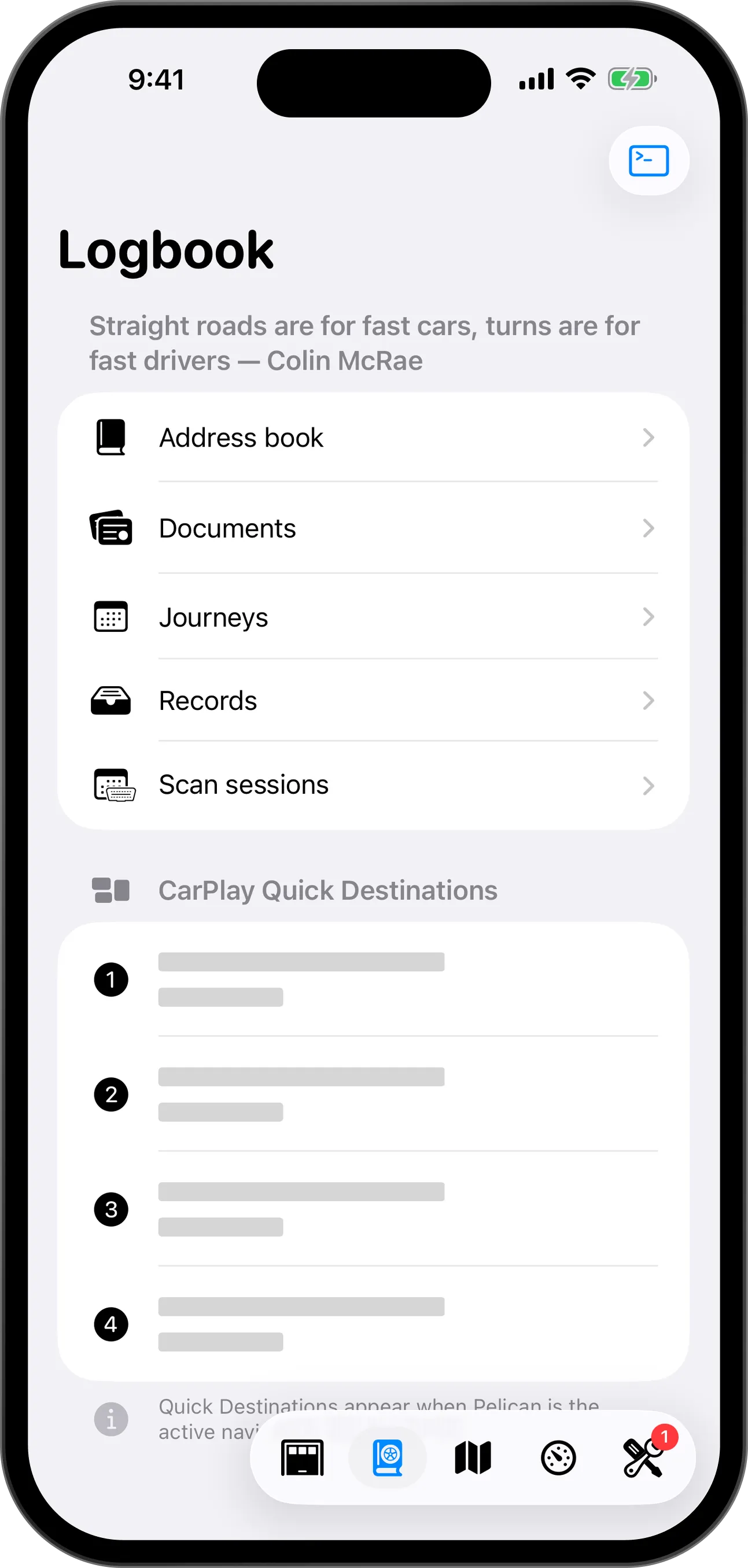
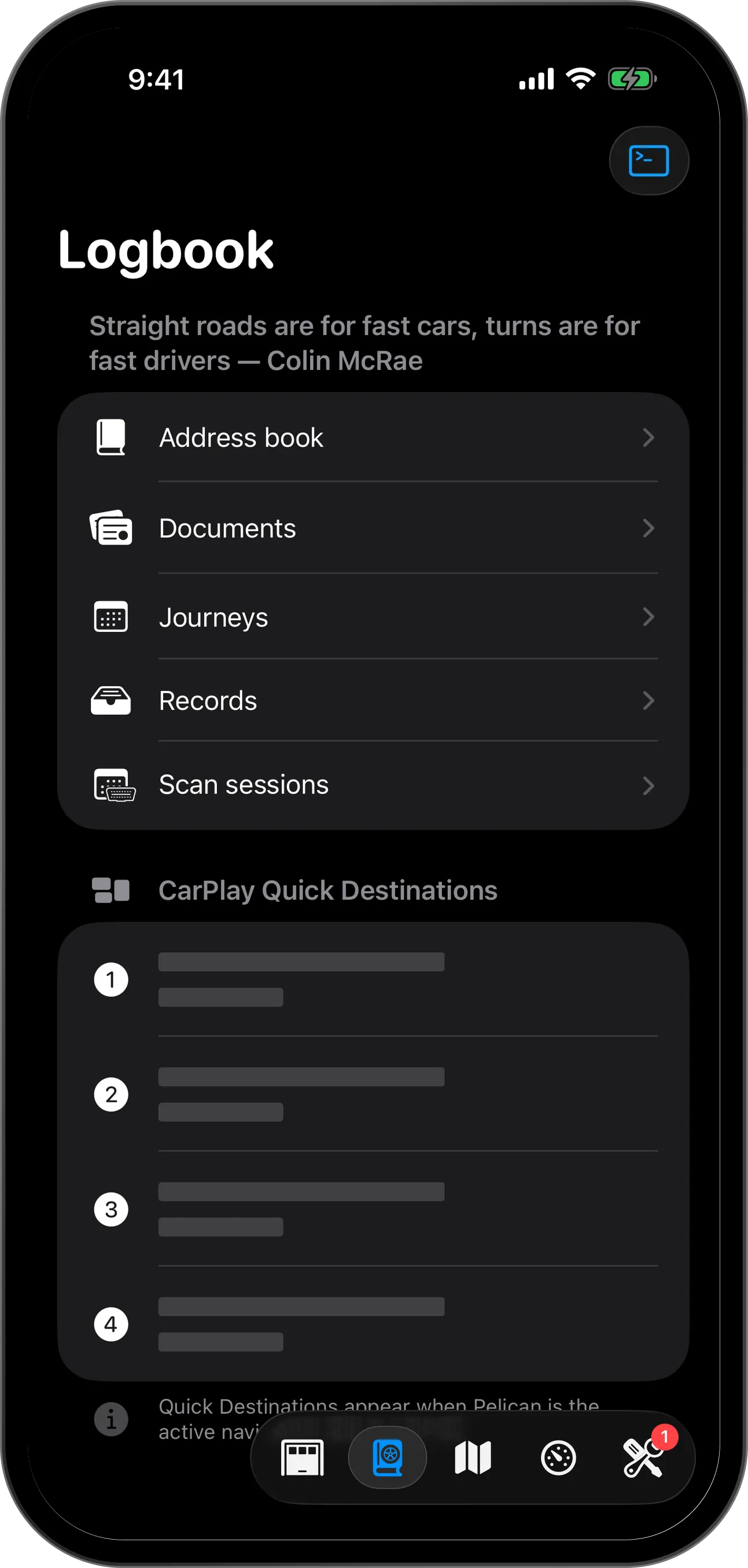
Your logbook keeps everything you record: documents, journeys, records and scan sessions.
The map
The map is how you navigate the world around you.
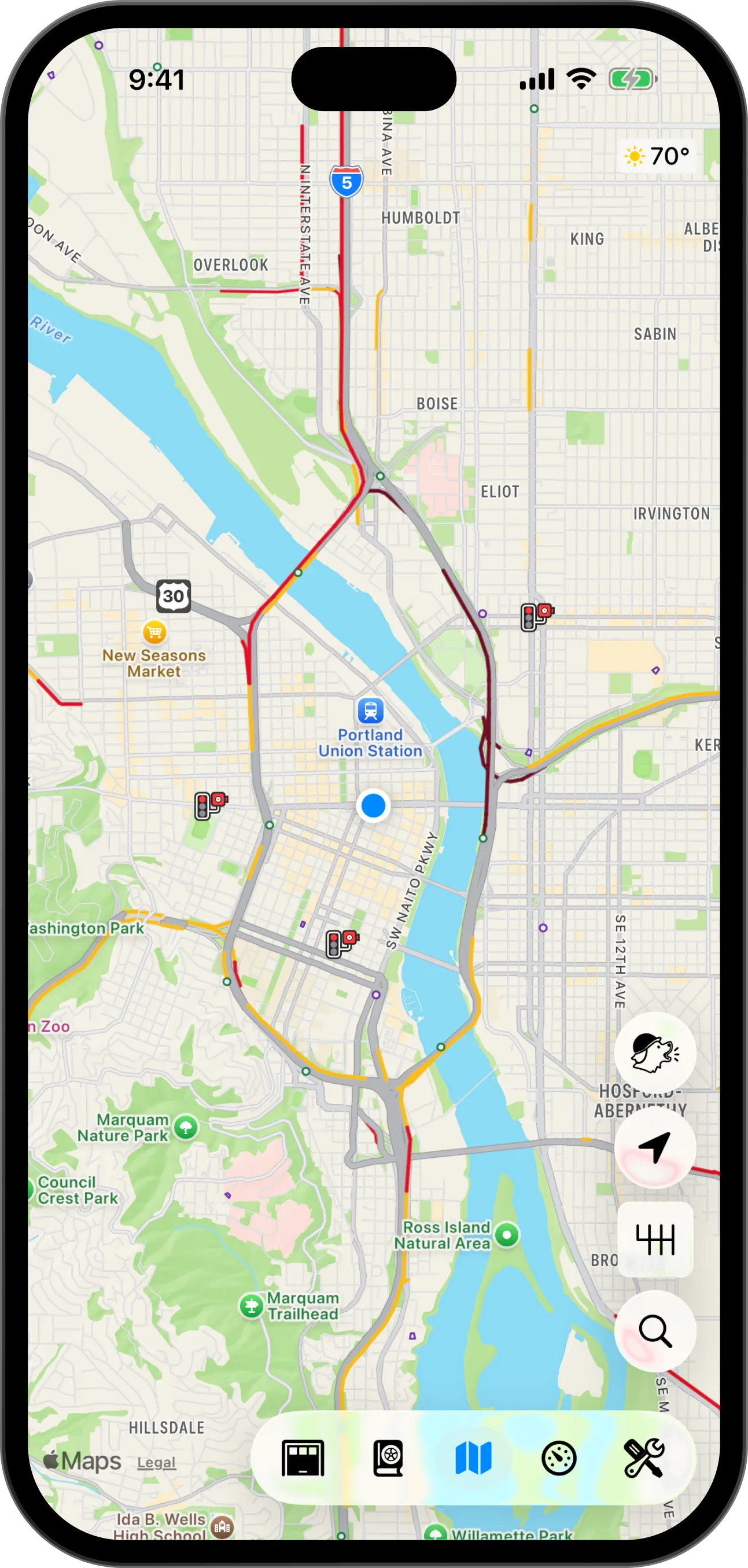
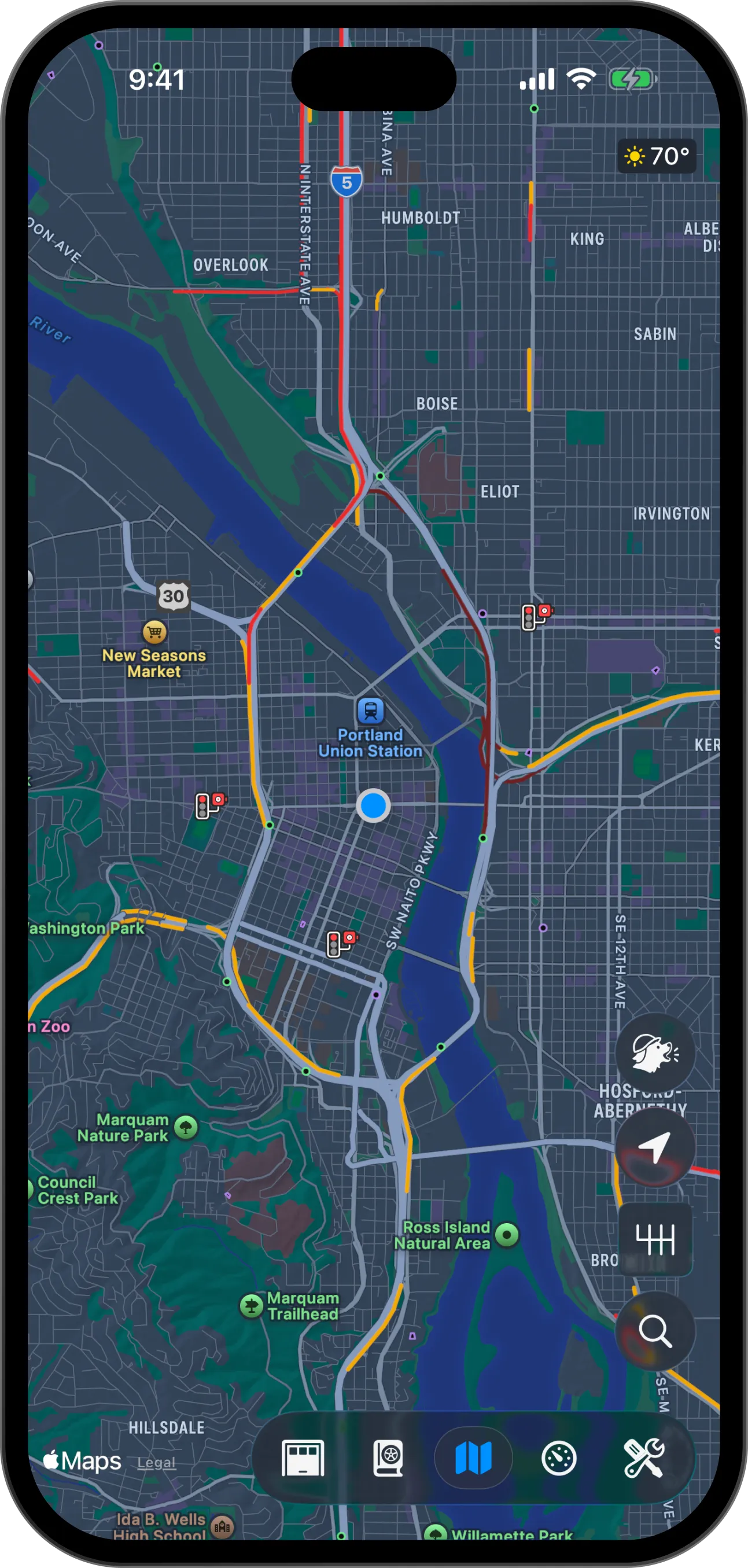
- Your location
- Scout report
- Camera mode
- Map settings
- Search
- Context switcher
Your dashboards
Dashboards are customizable canvases for your car. Tap and hold anywhere to edit it, and swipe to switch dashboards.
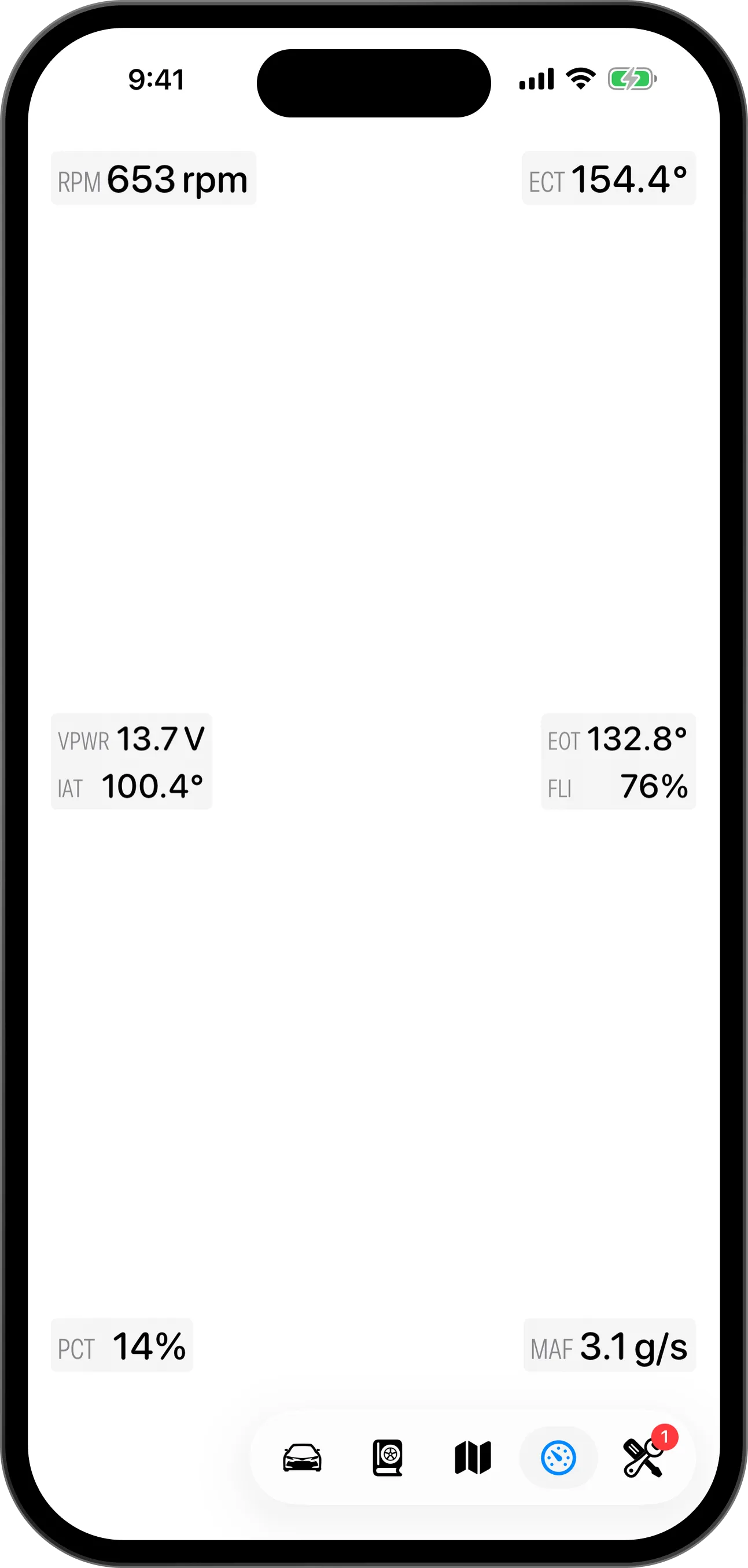
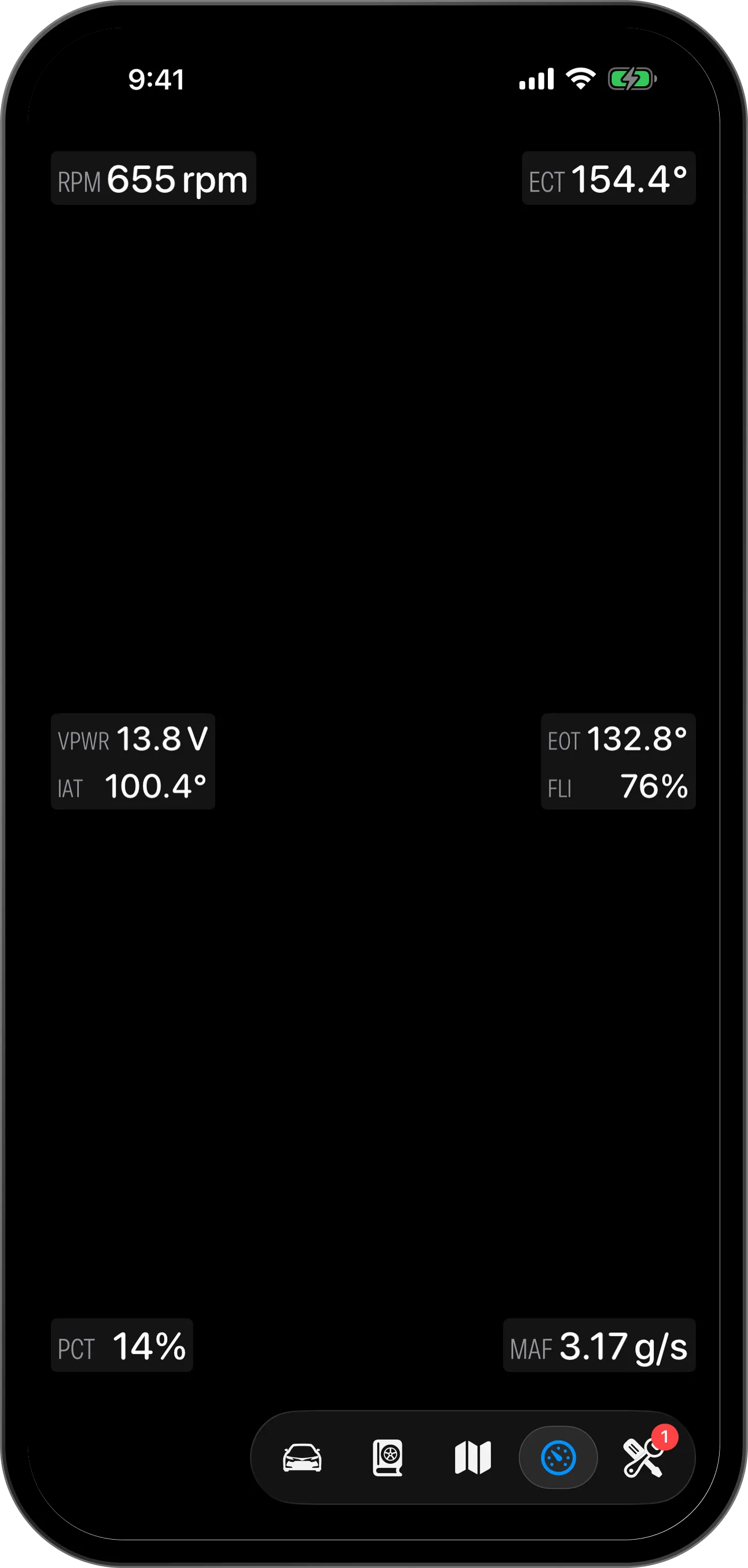
- Widget
- Hold anywhere to edit
- Your dashboards
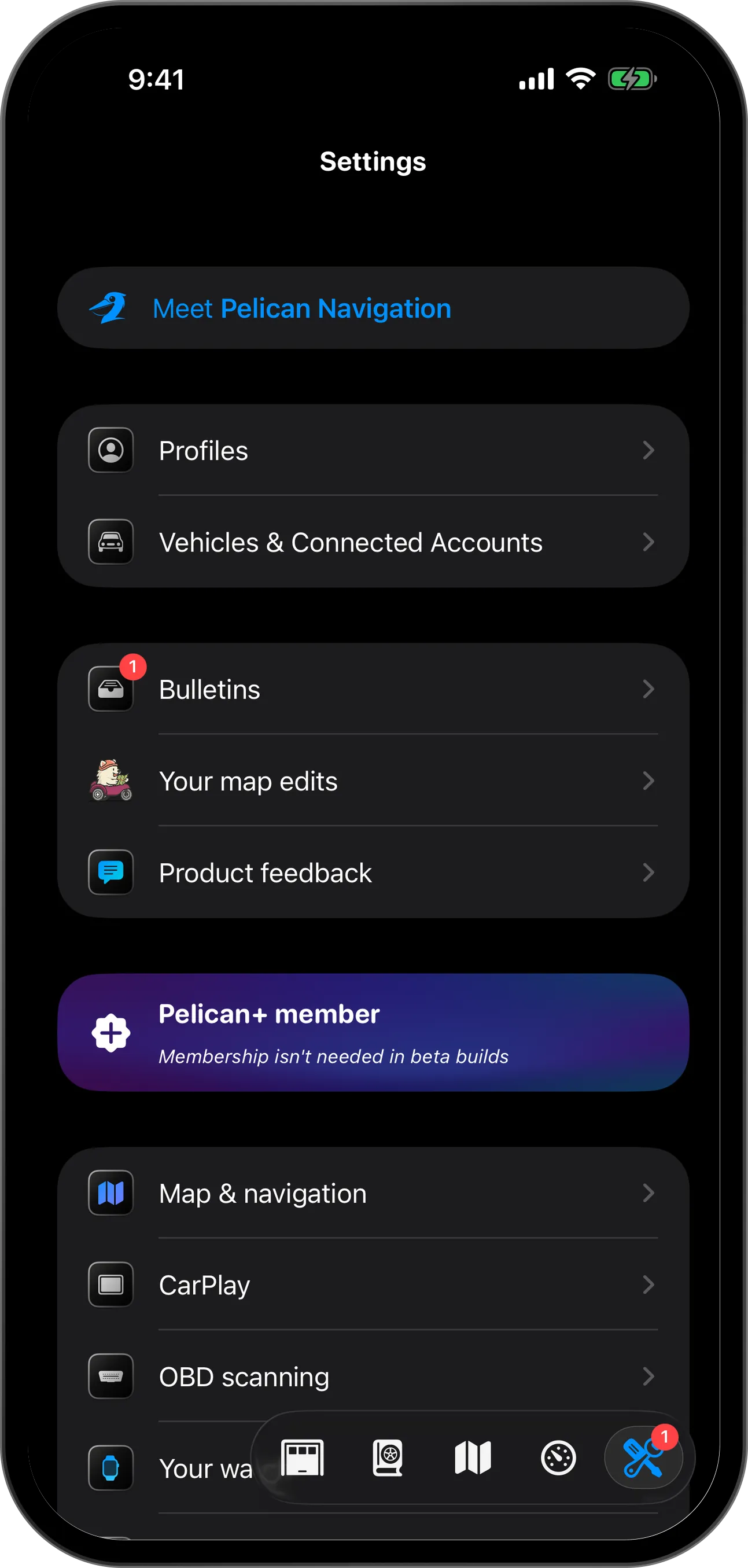
Settings
Customize any part of Pelican to your liking here.
Ready to go somewhere? See Get directions.