Press kit
You may use everything on this page in coverage of Pelican. For other material, or for a review build, write to press@clutch.engineering.
One ZIP file with the app icons, the marks as SVG and PNG, every screenshot in light and dark, Scout, the car drawings, a photo of the founder, the brand guidelines, and the text on this page.
App icon


Marks
The pelican and the Pelican badge, as SVG here and as SVG and PNG in the press kit download. The pelican comes in a light version for light backgrounds and a dark version for dark ones, and should match the color of the text it sits next to. The badge is the pelican and the name in white on Pelican black. Pelican is a registered trademark of Clutch Labs, LLC.
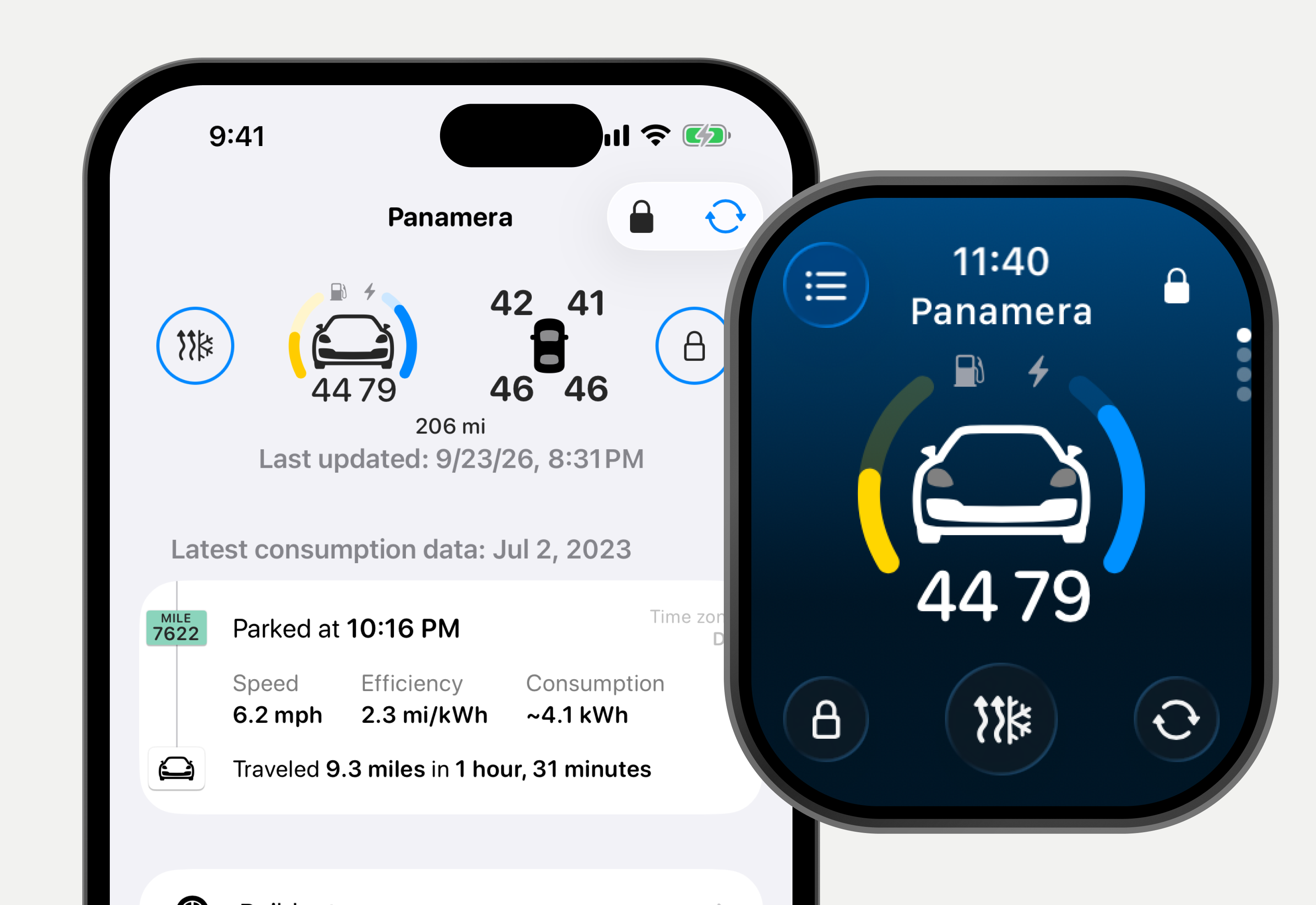
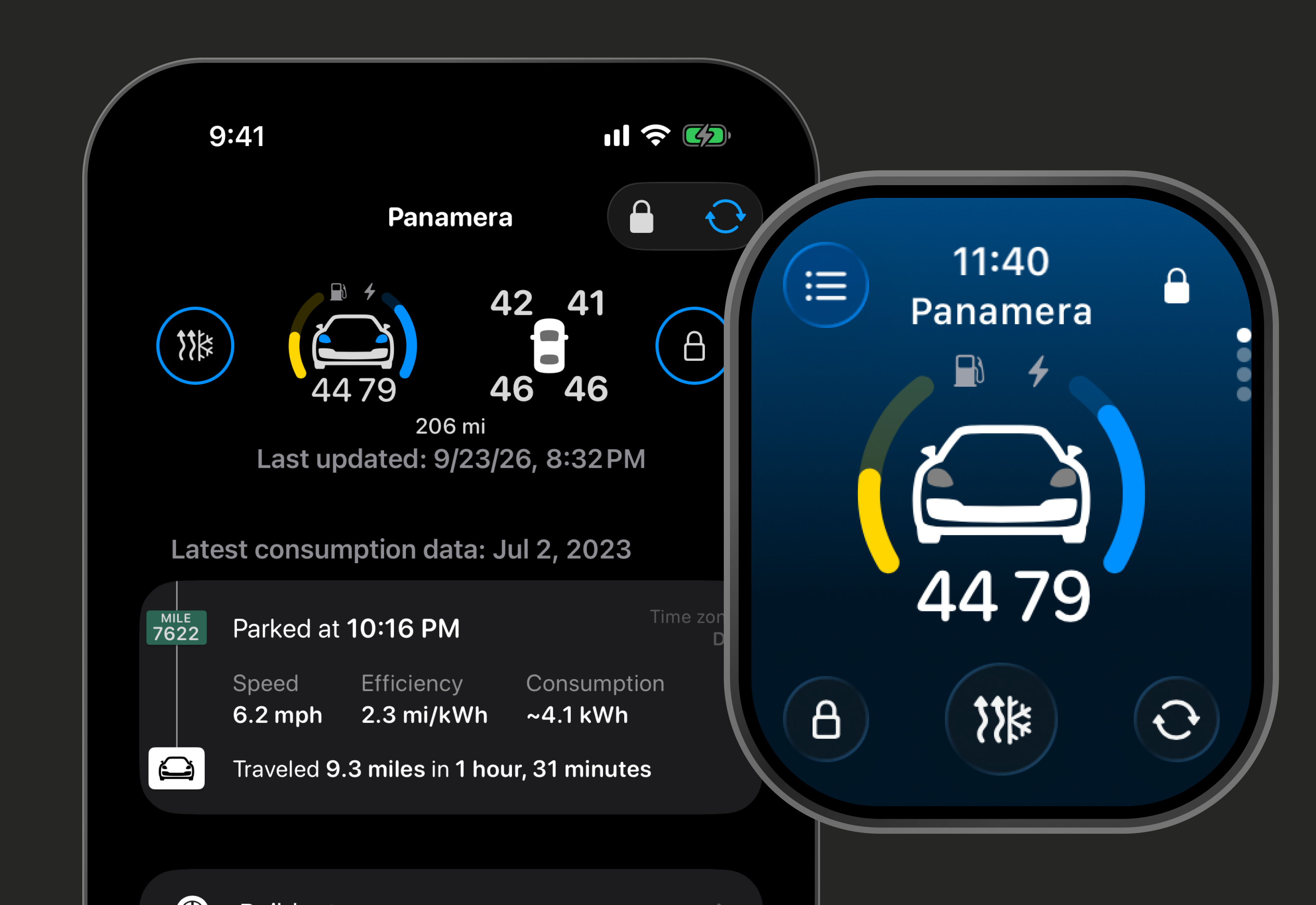
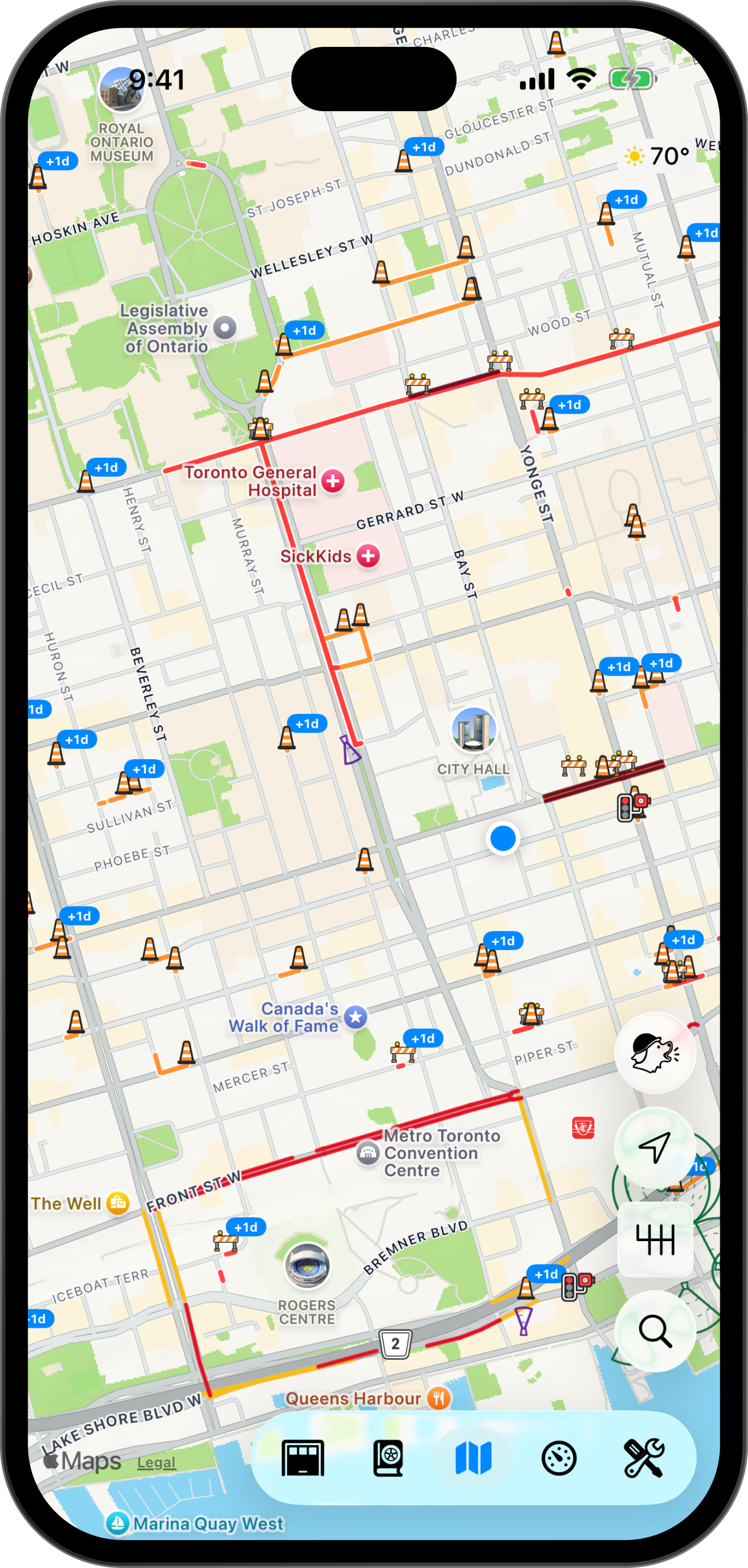
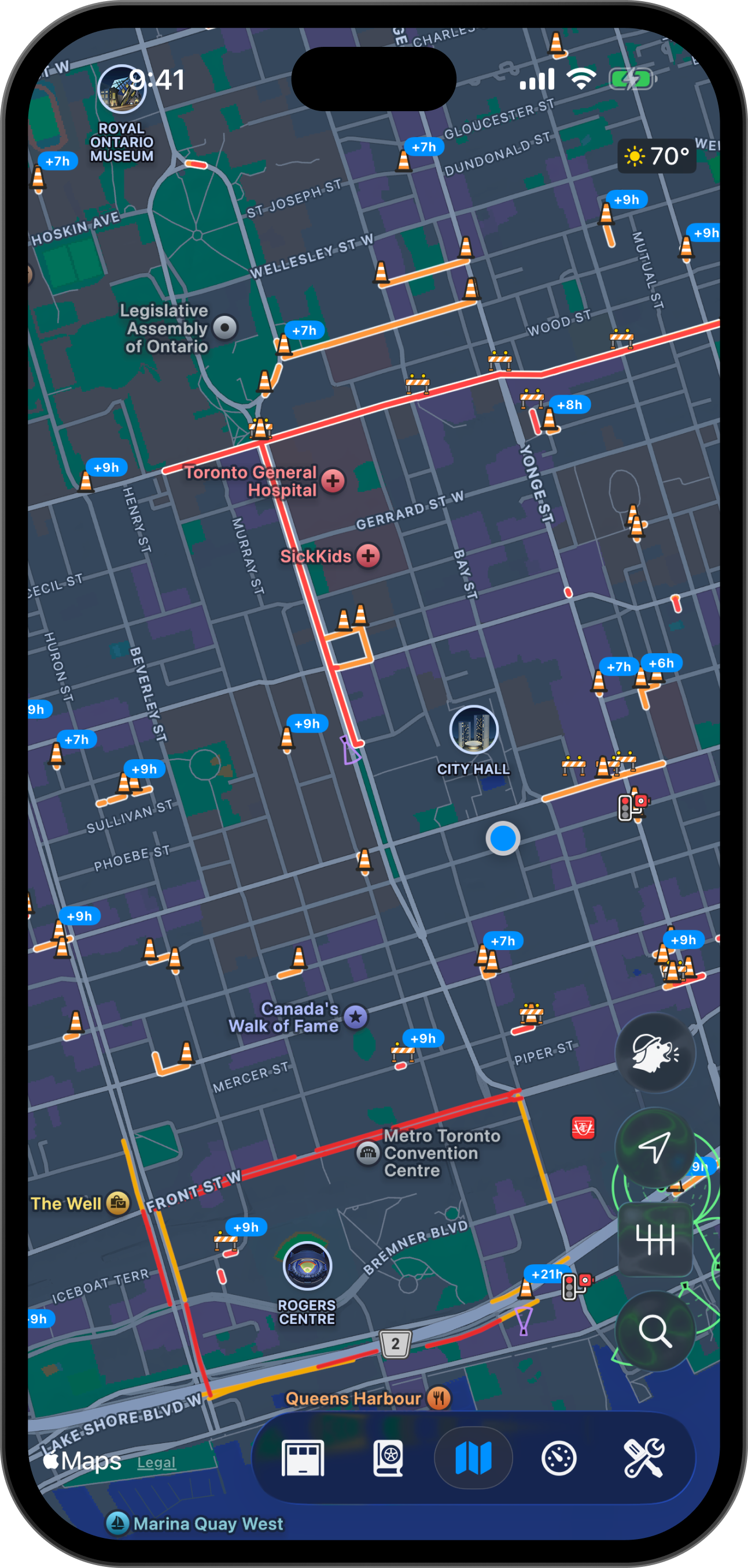
Screenshots
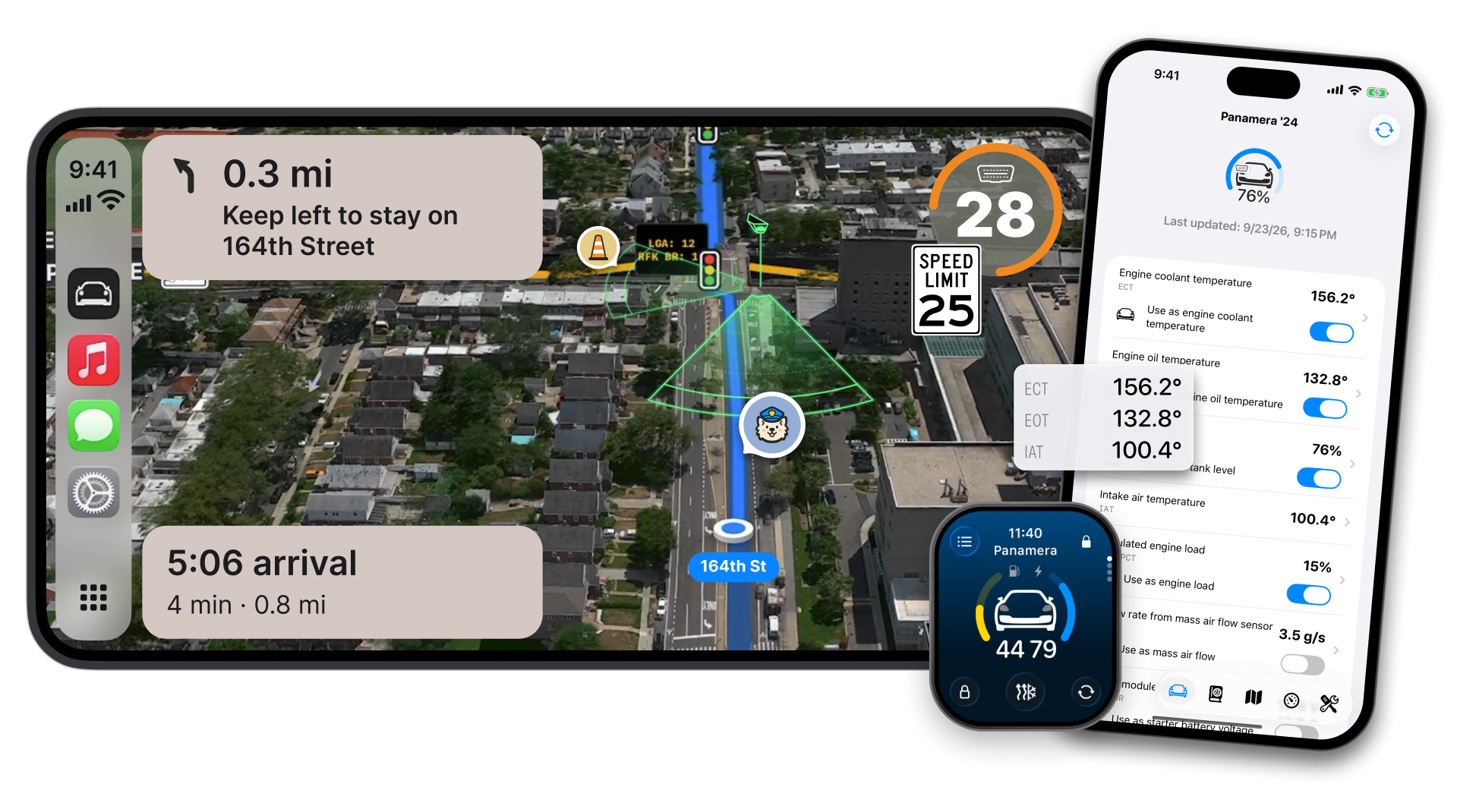
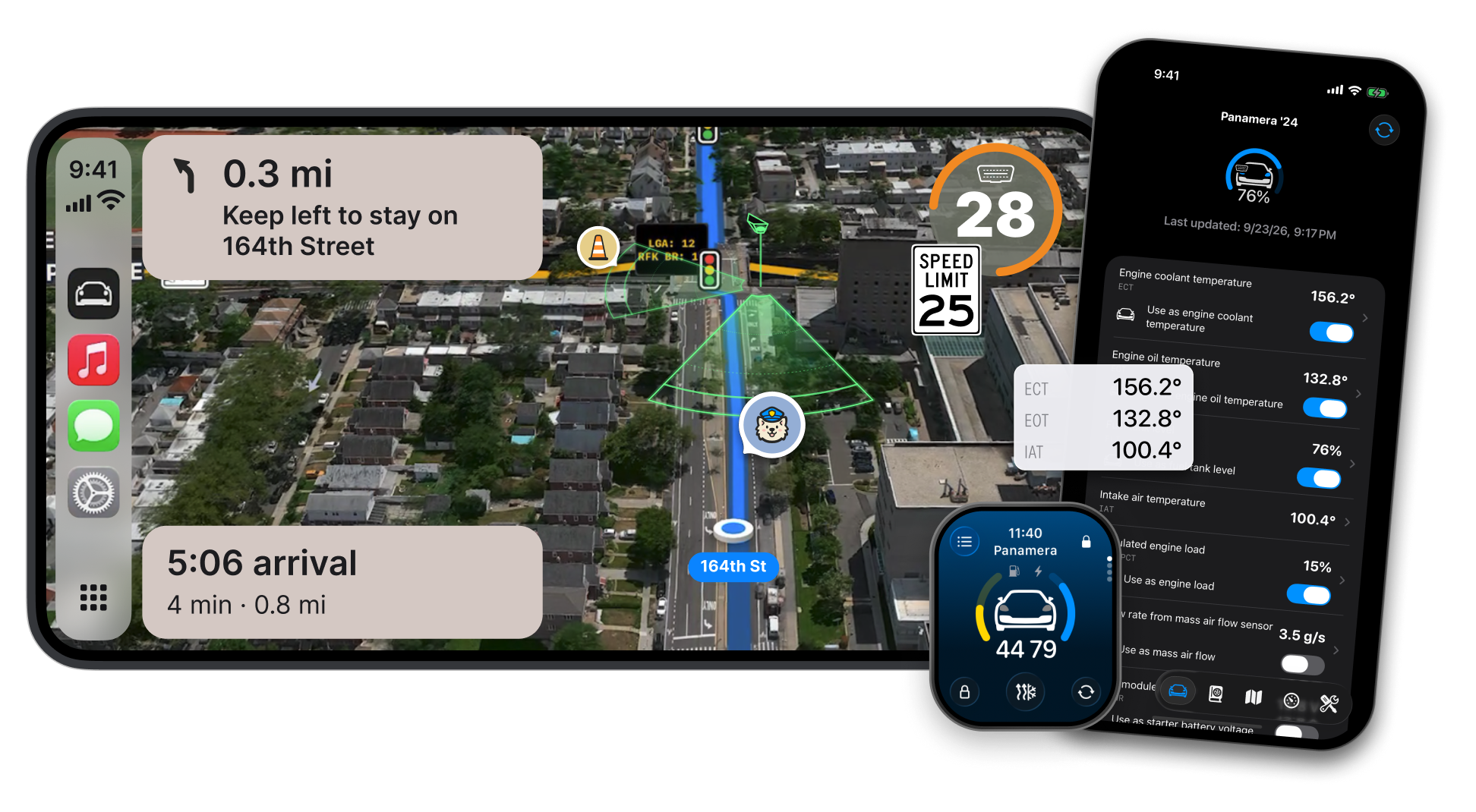
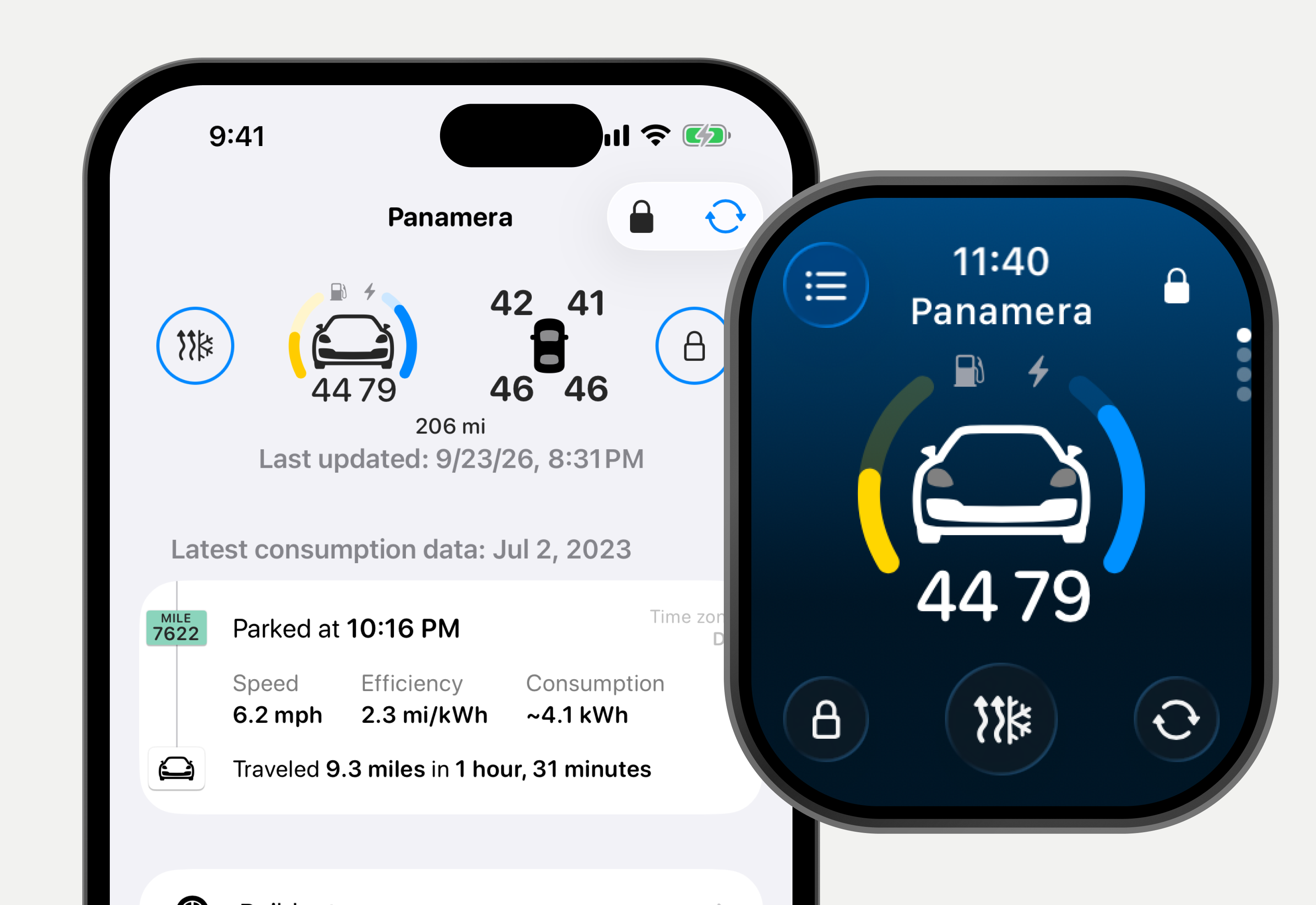
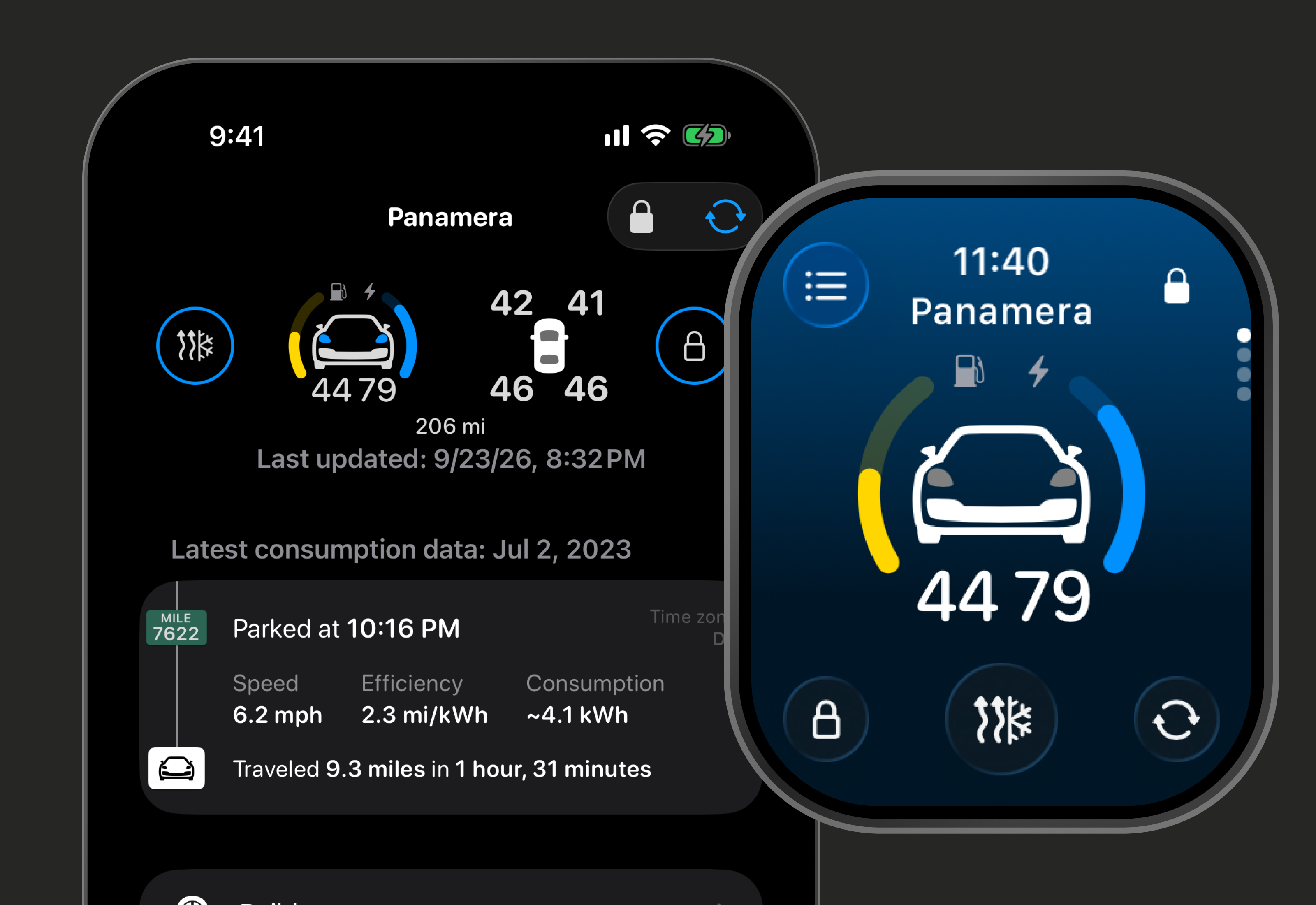
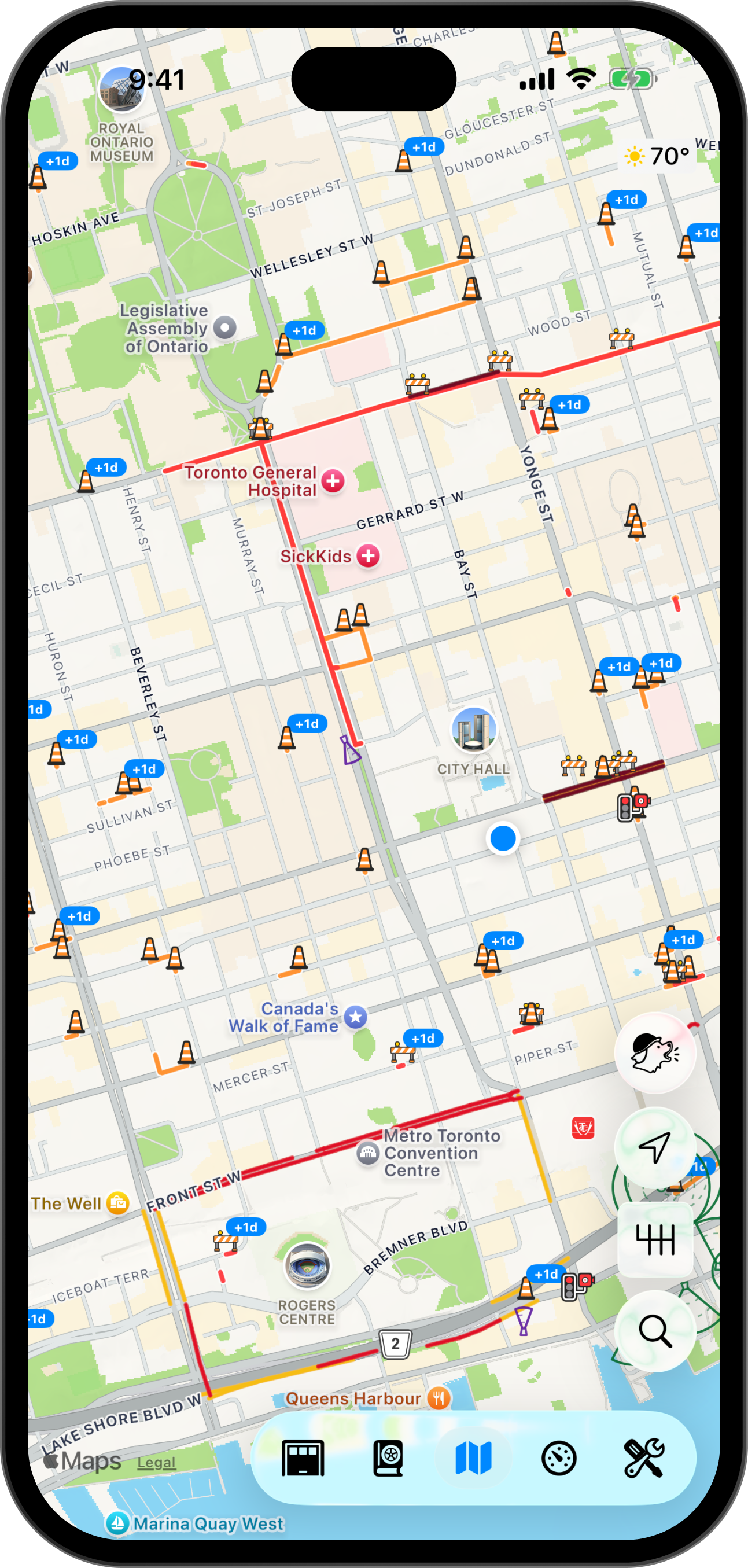
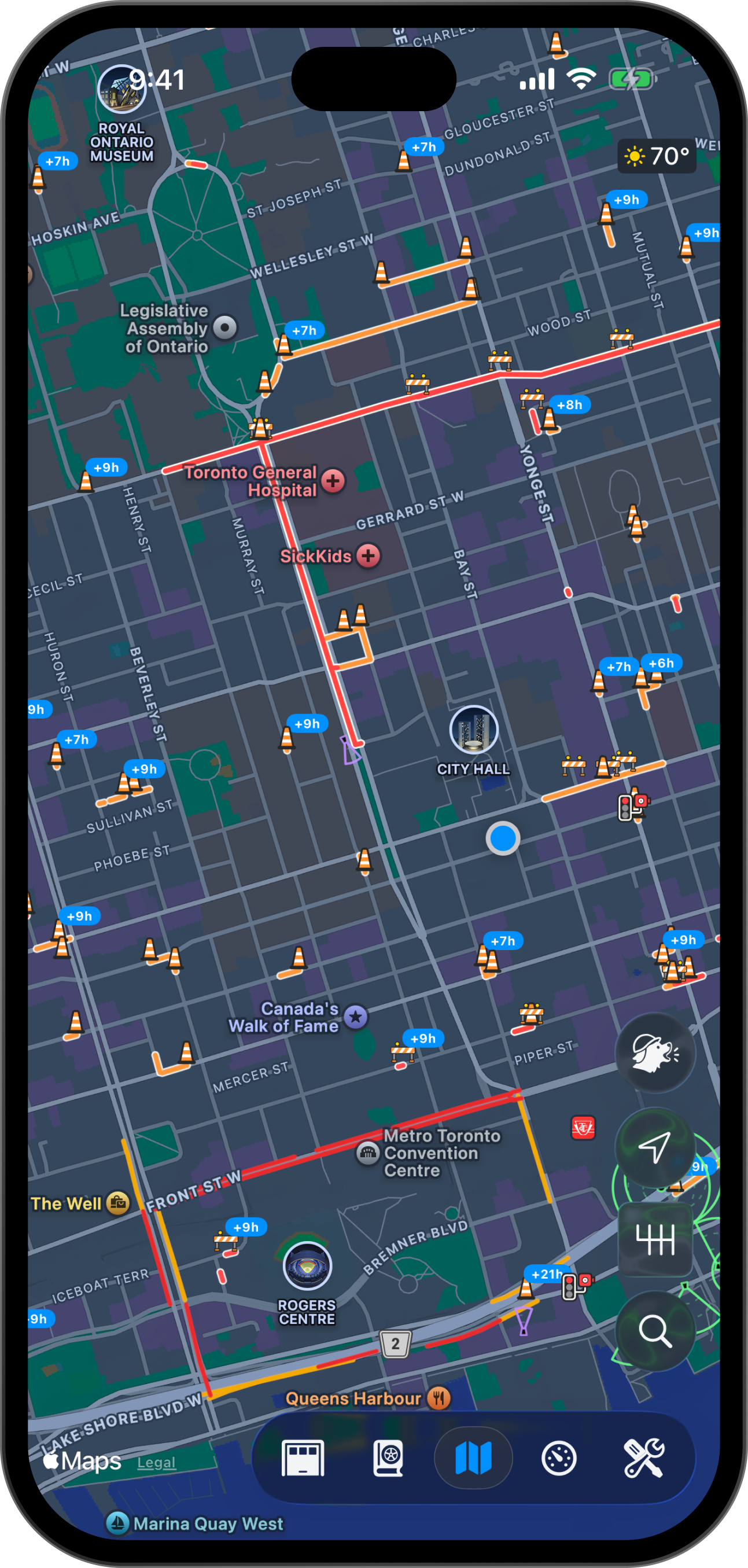
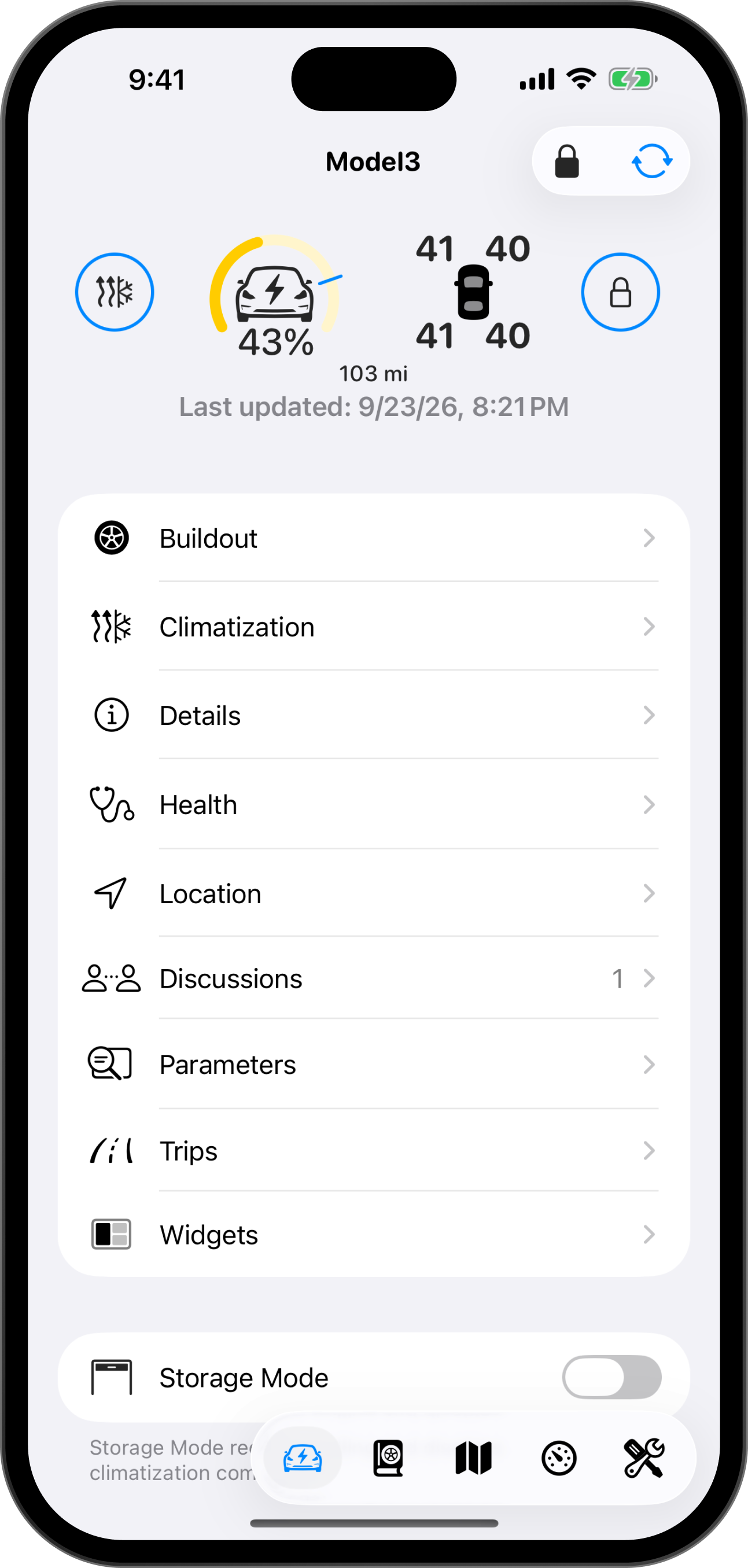
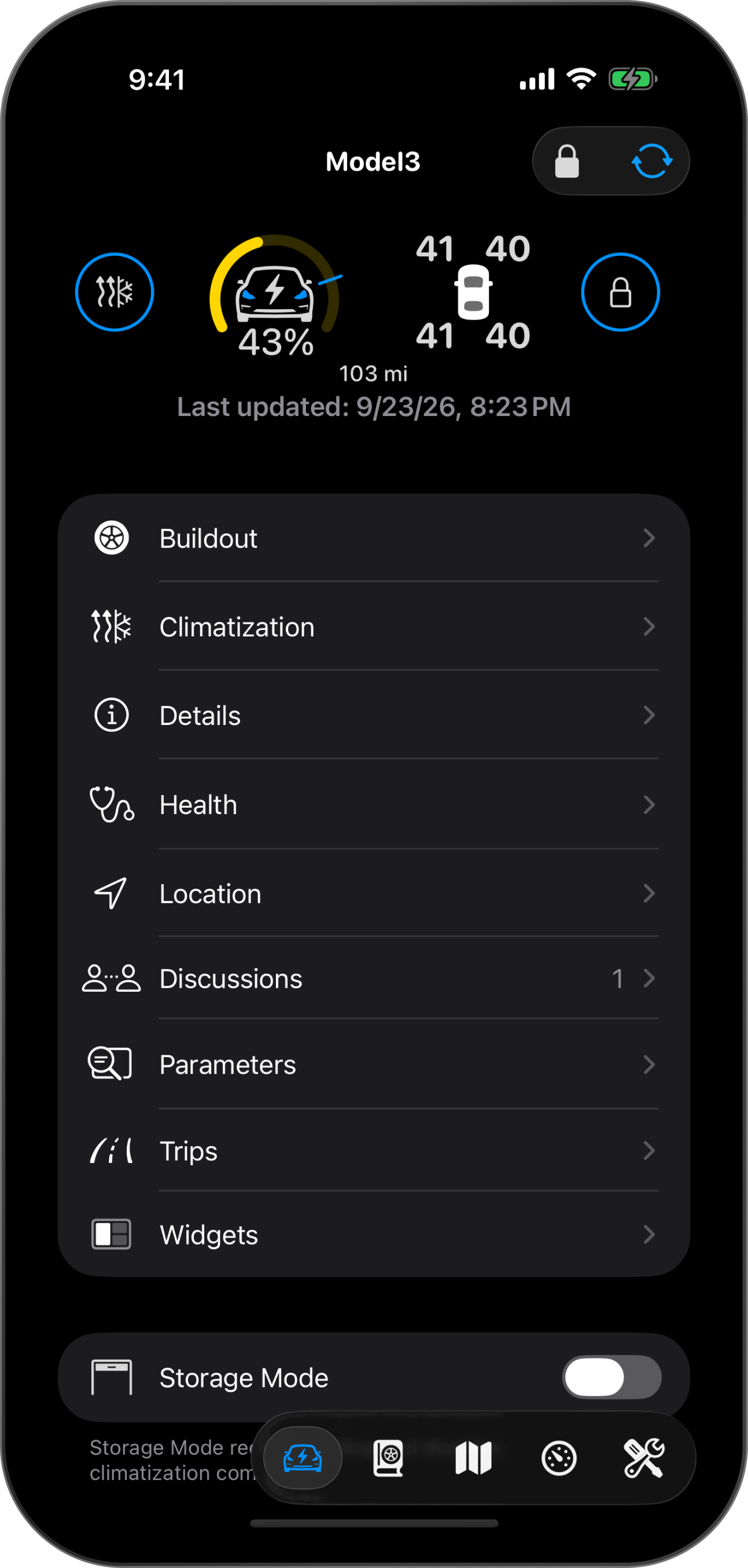
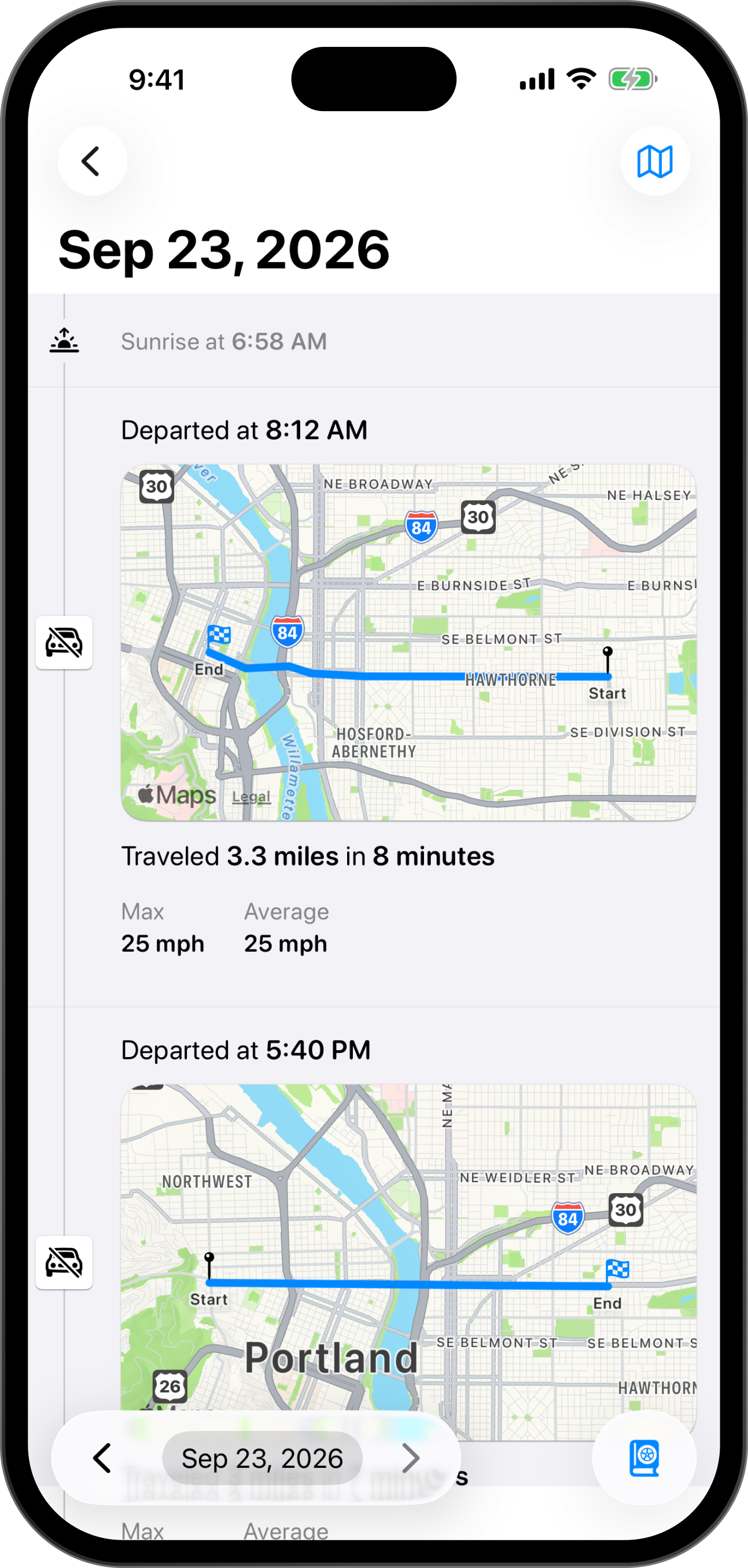
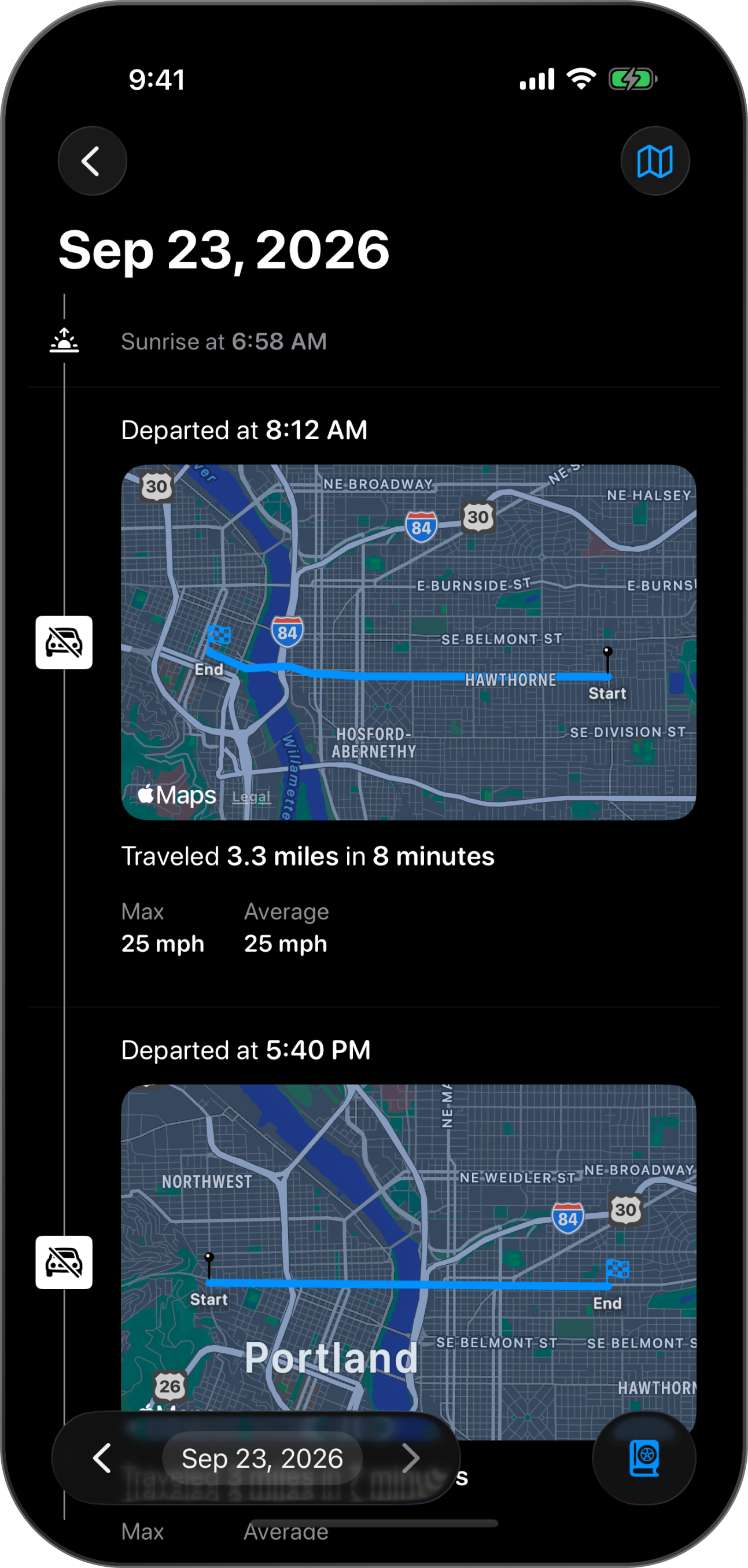
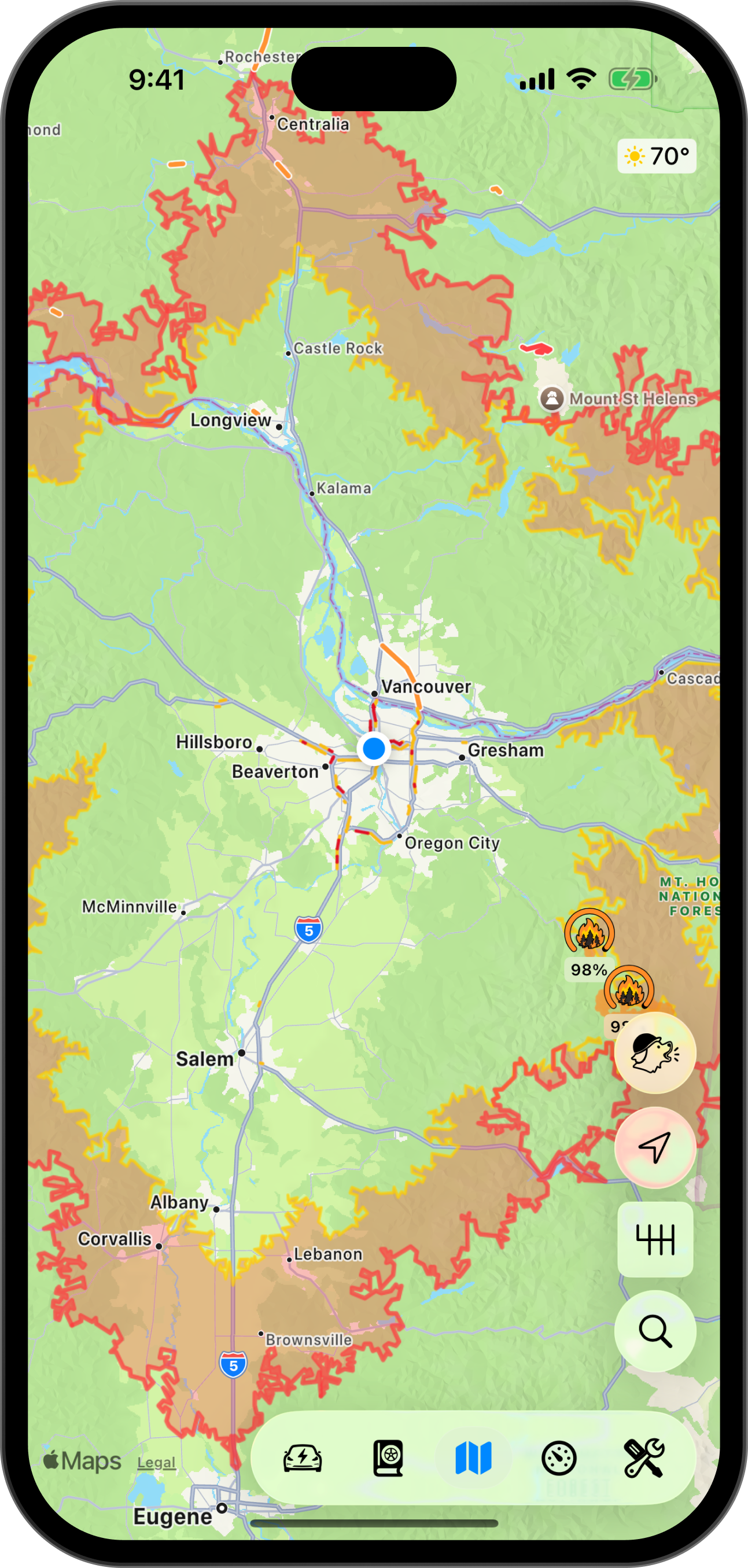
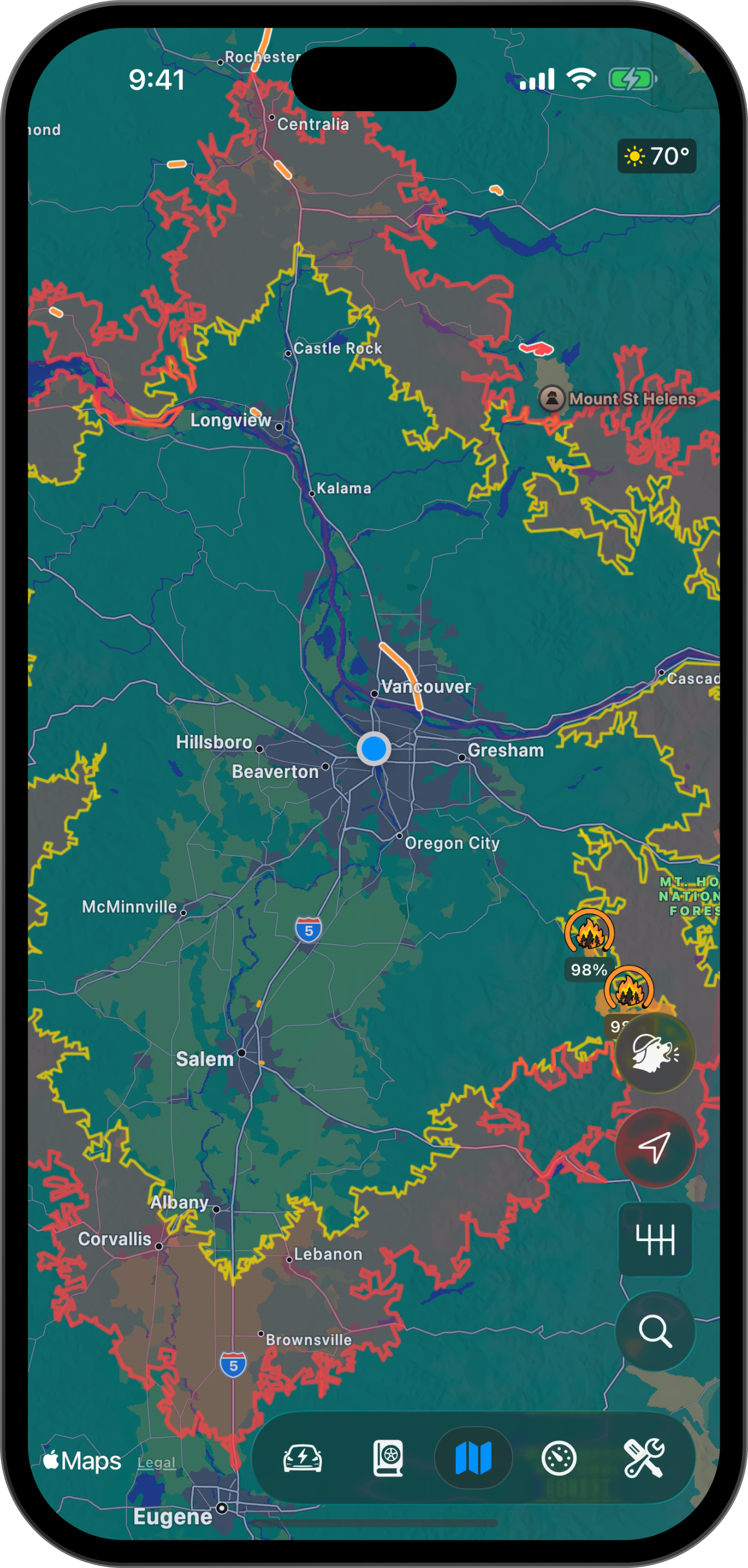
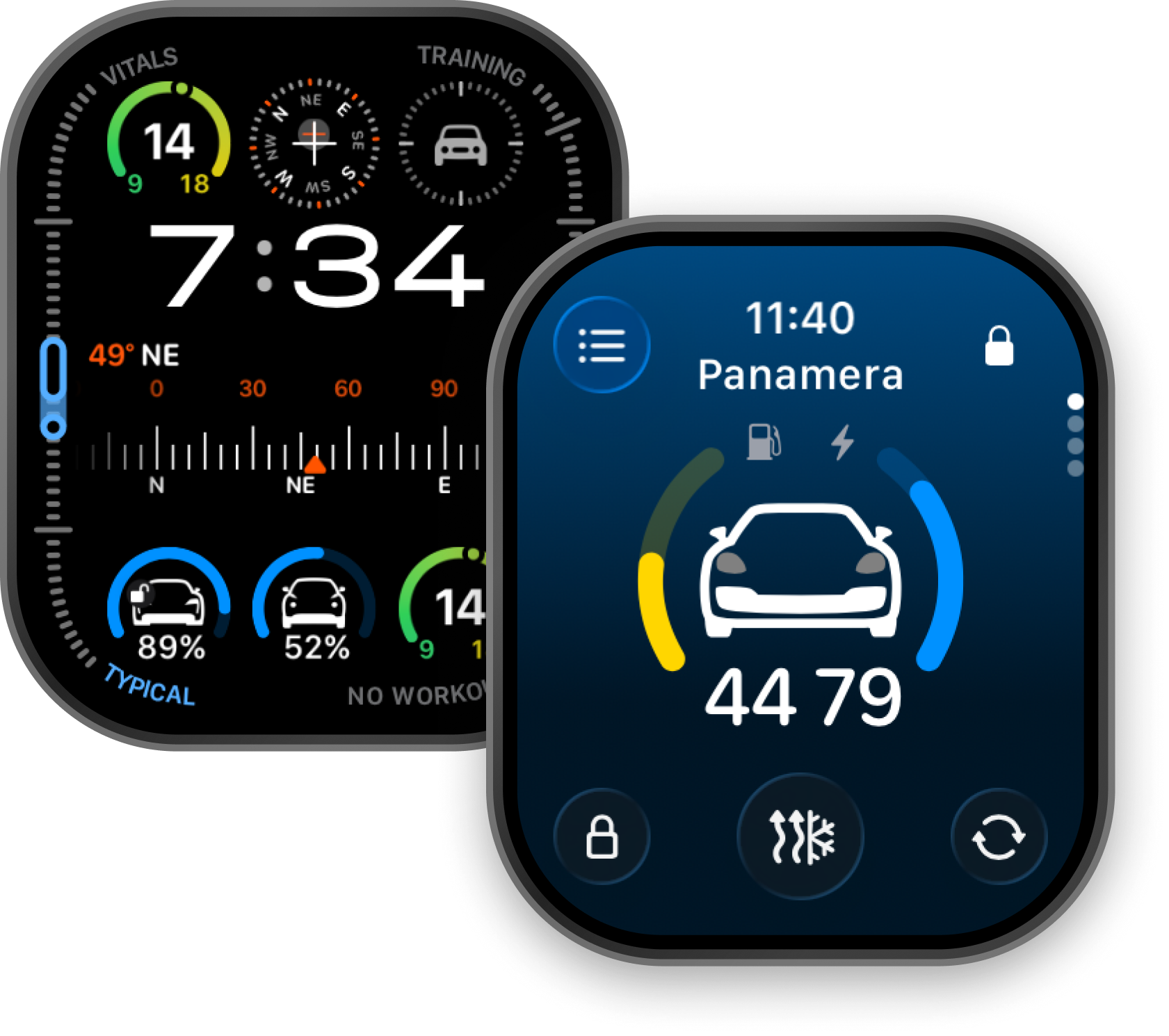
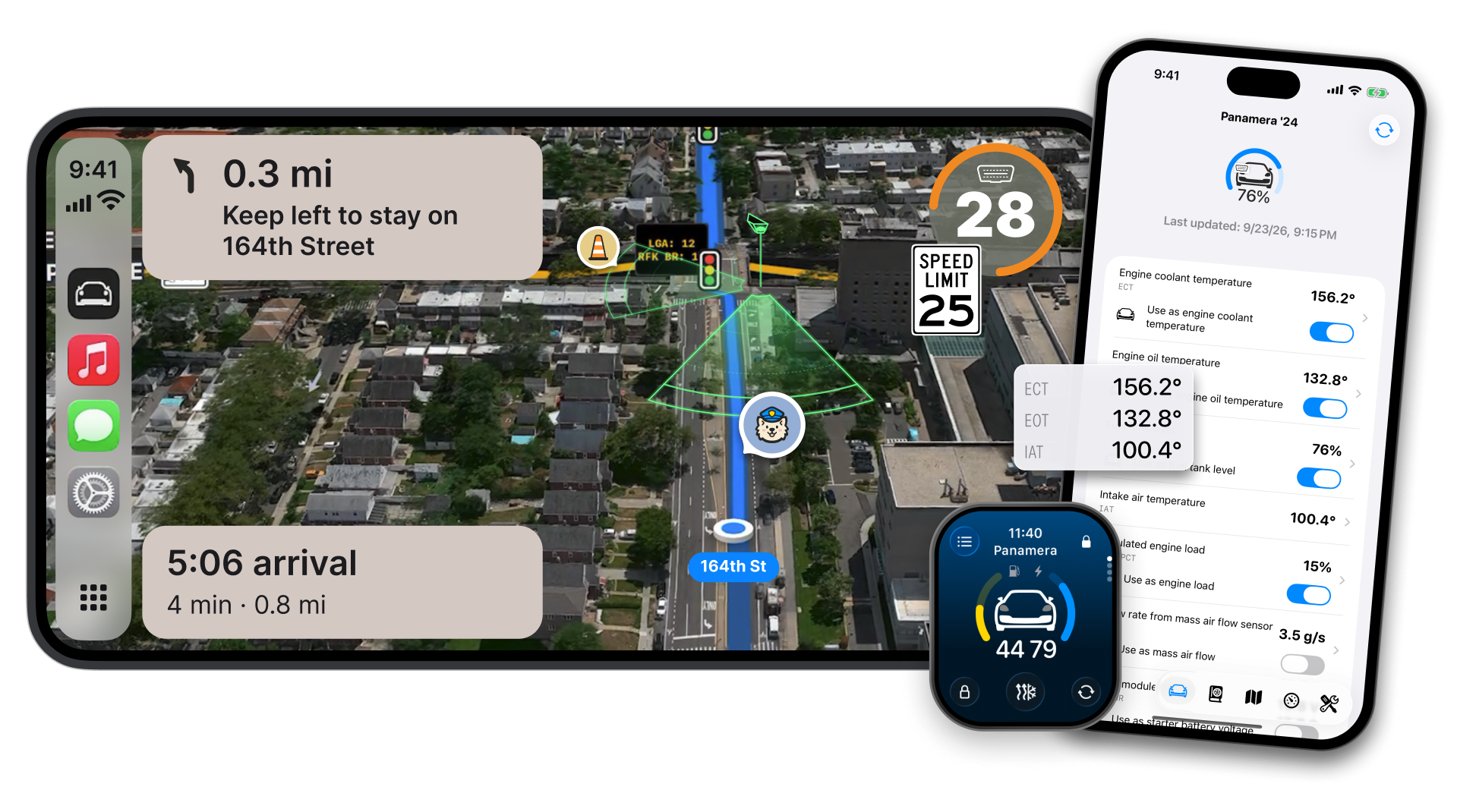
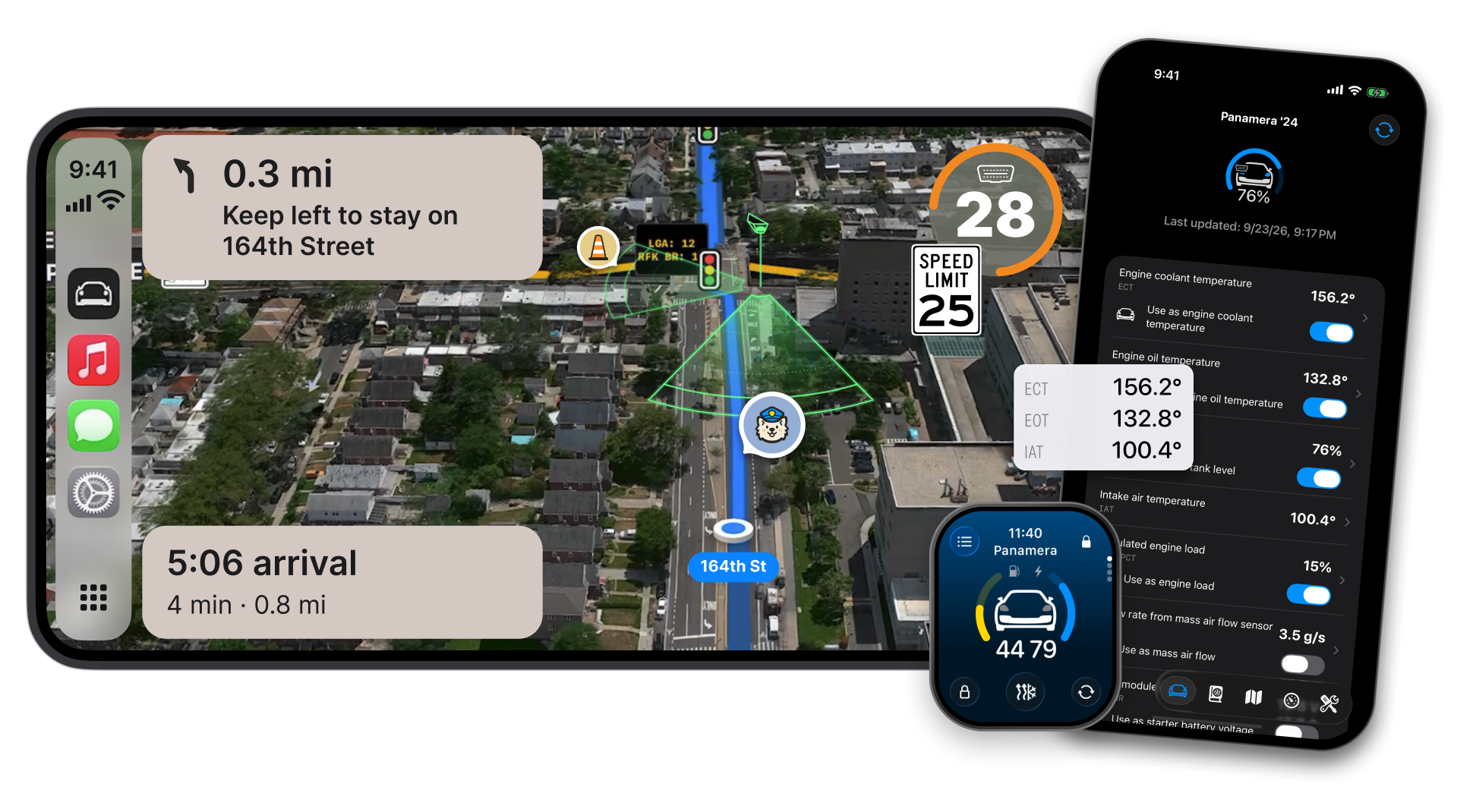
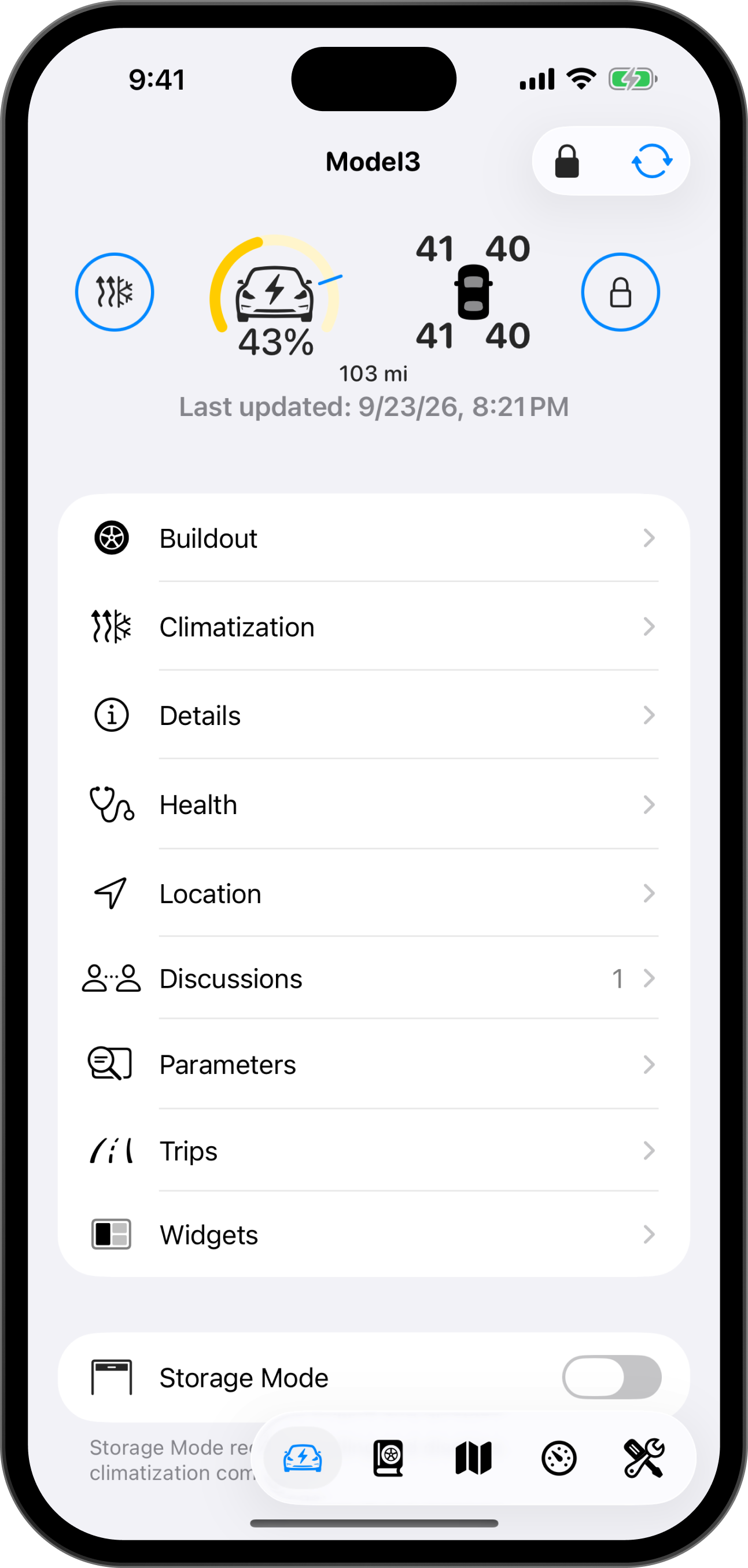
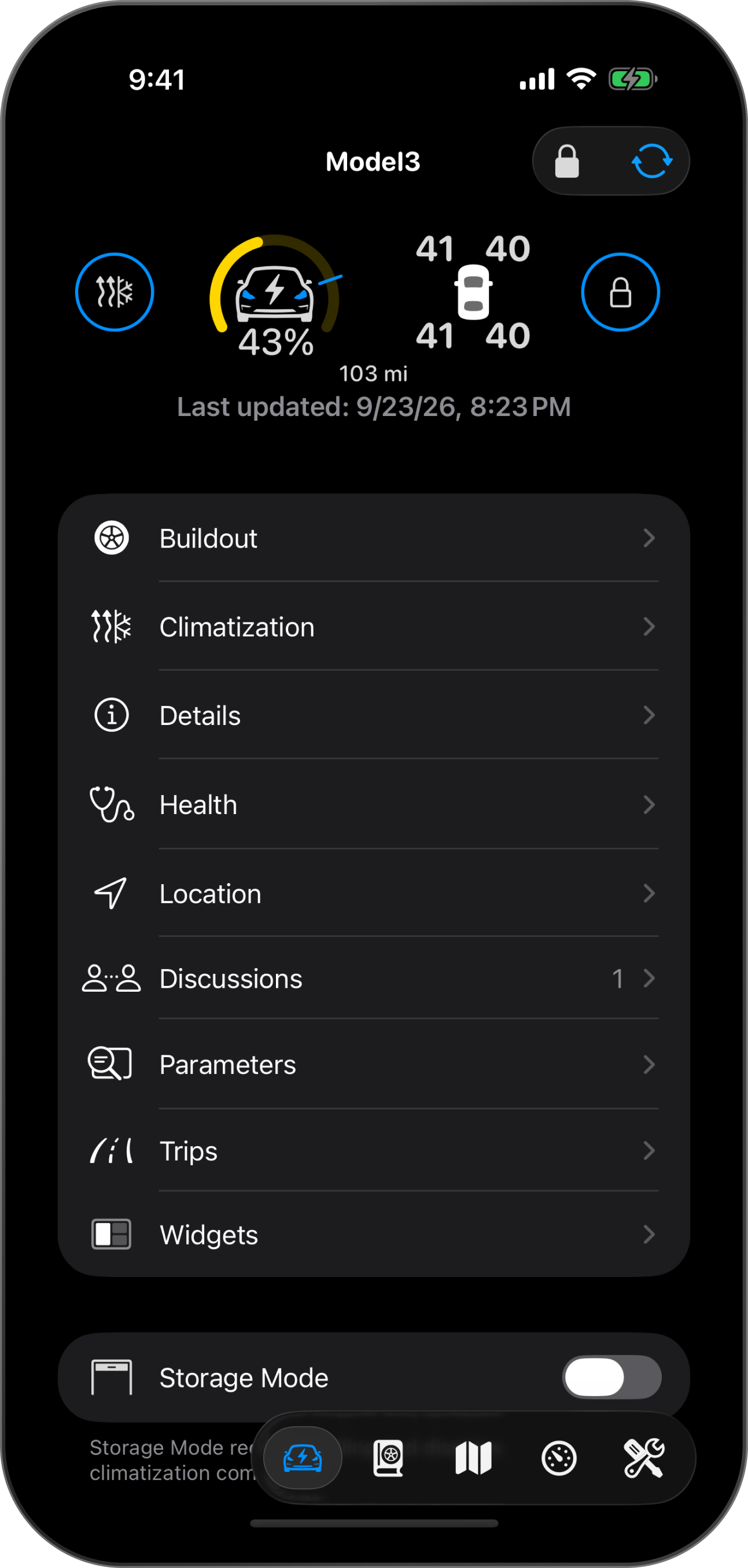
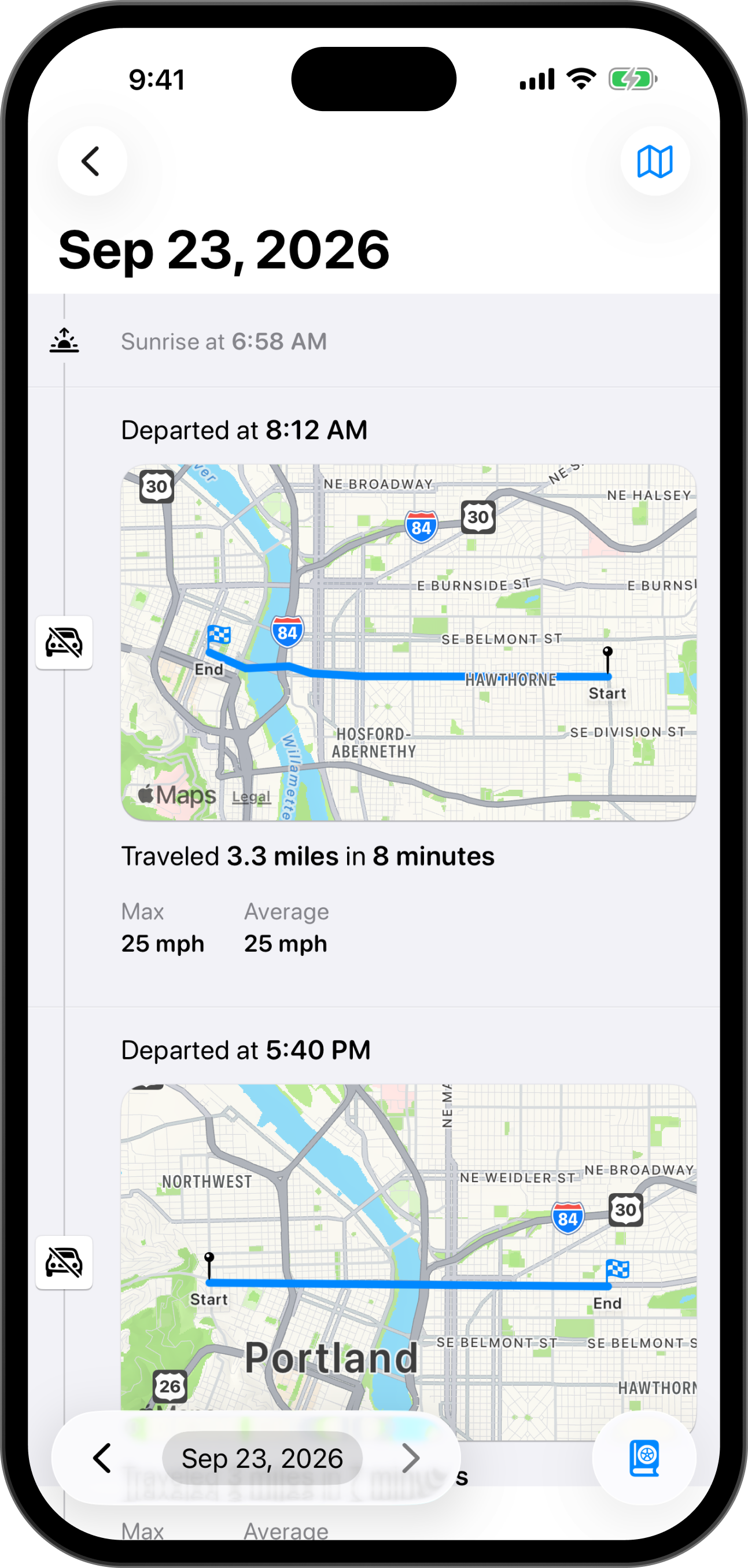
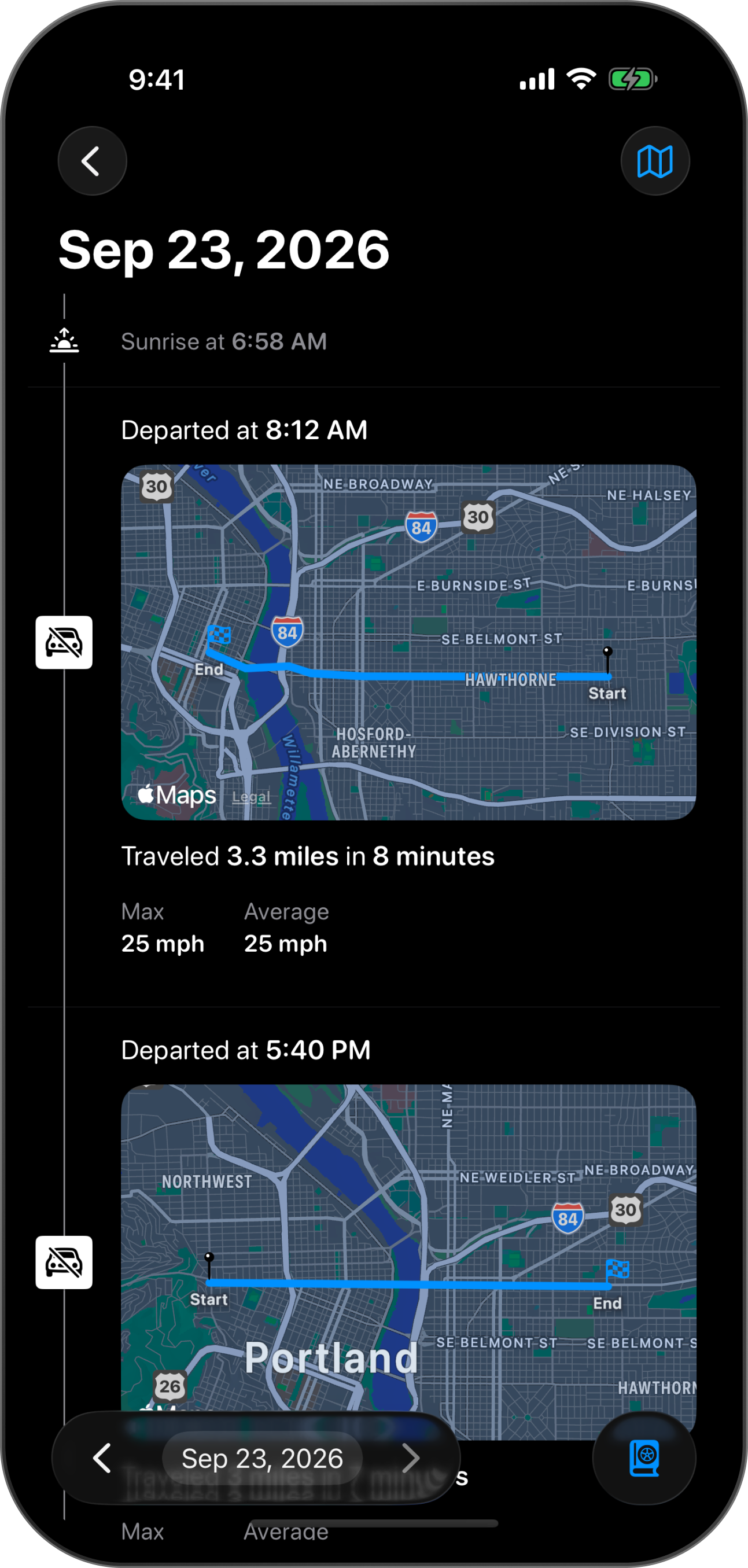
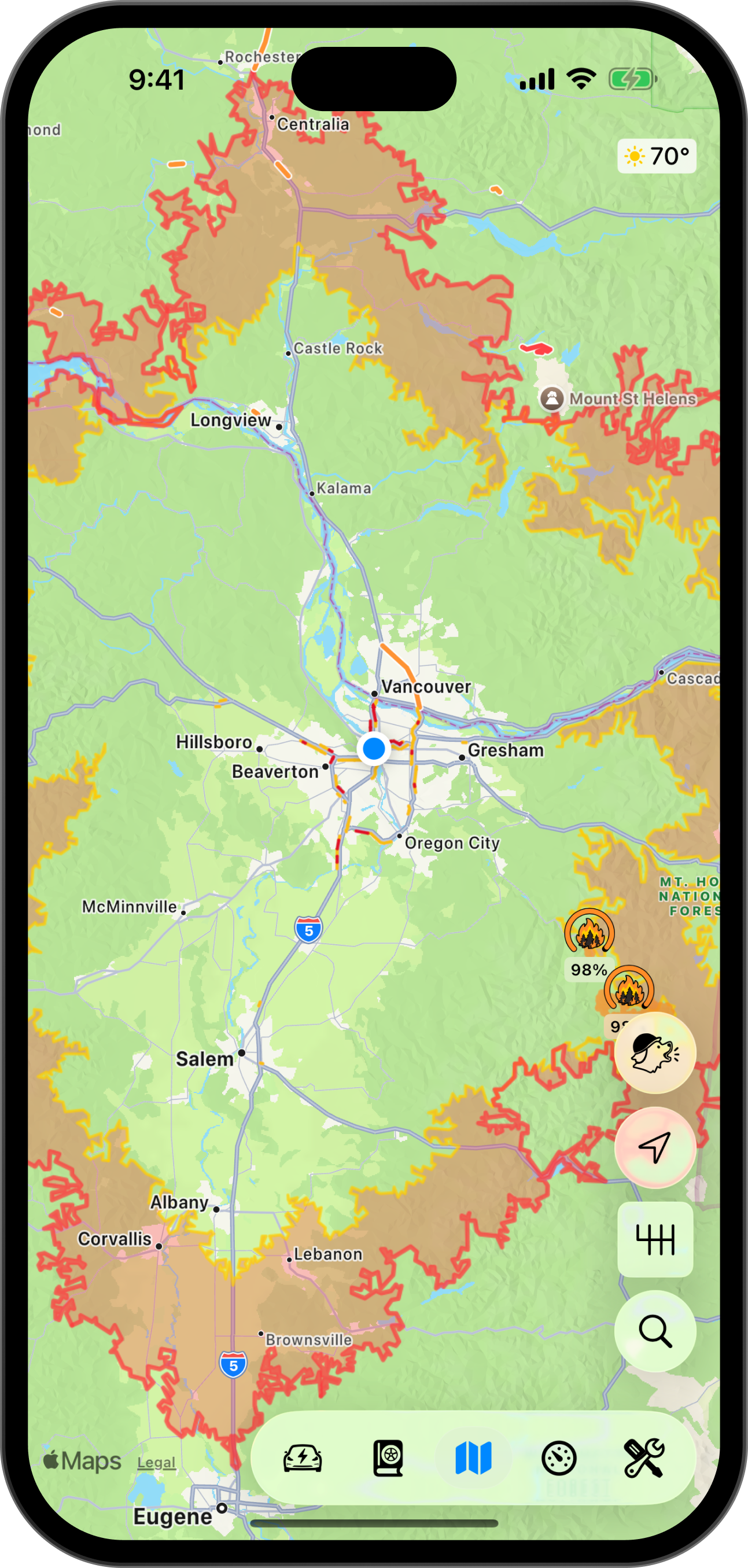
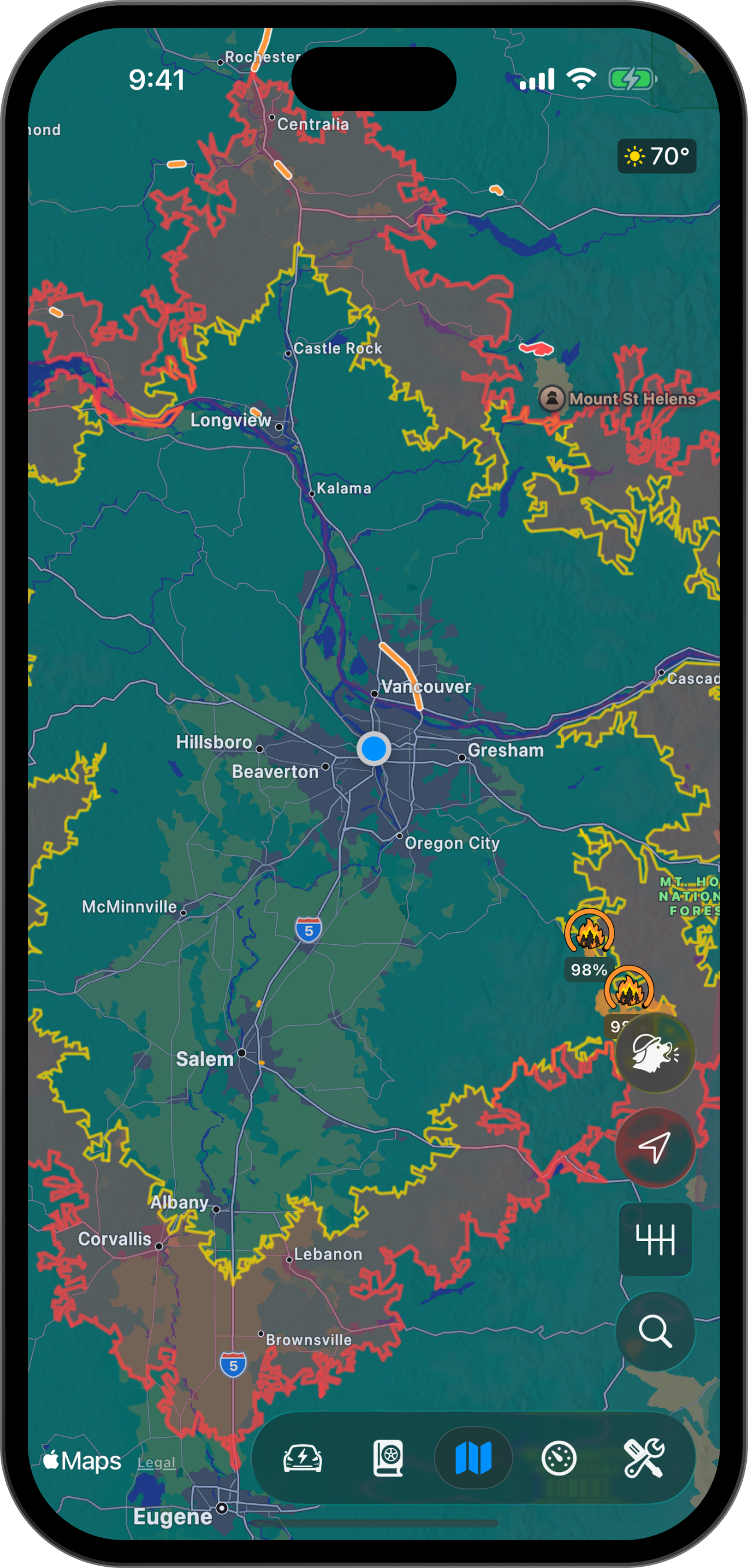
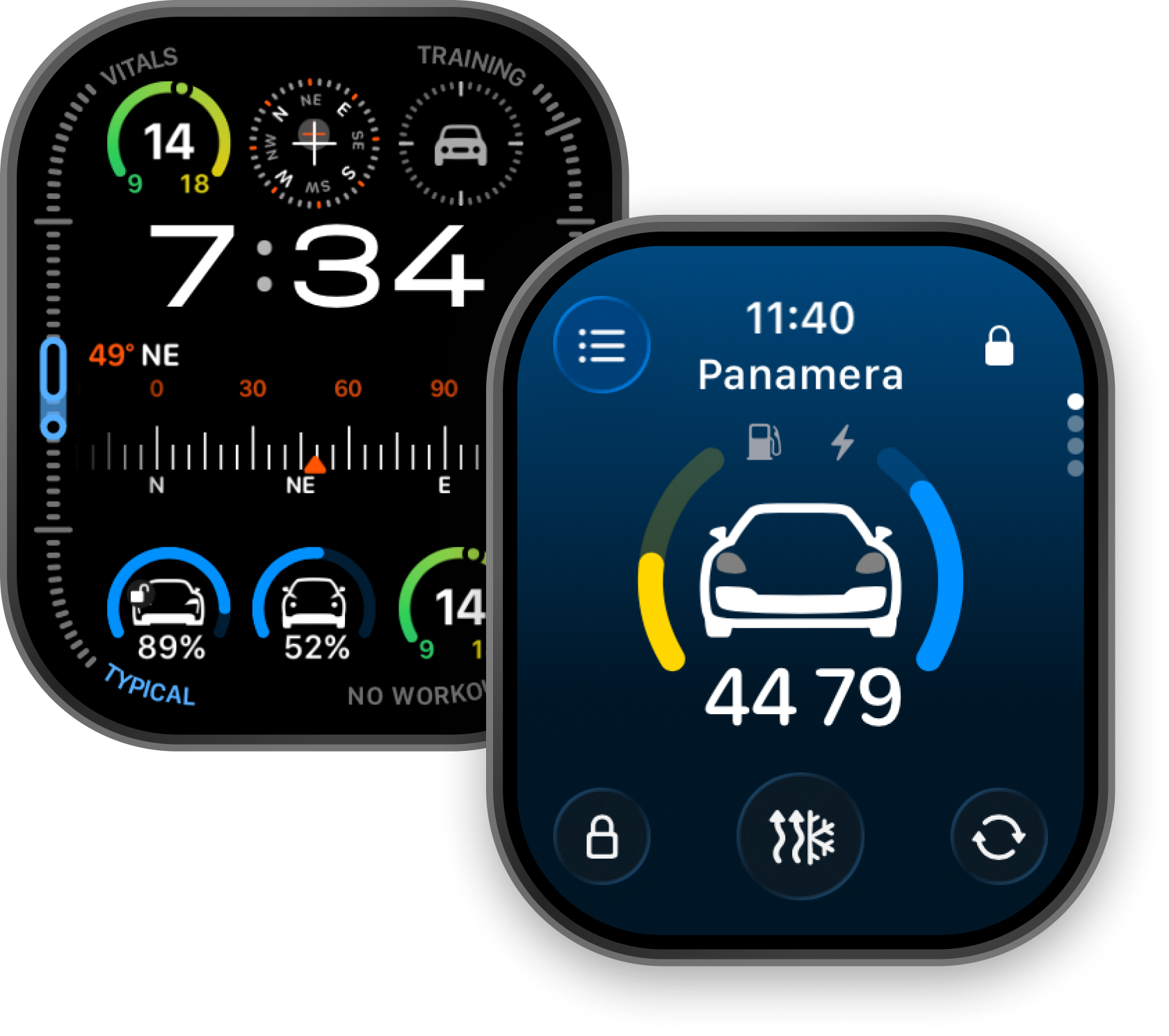
iPhone, Apple Watch and CarPlay, each in light and dark.
Scout
Scout is a representation of a driver on the road.
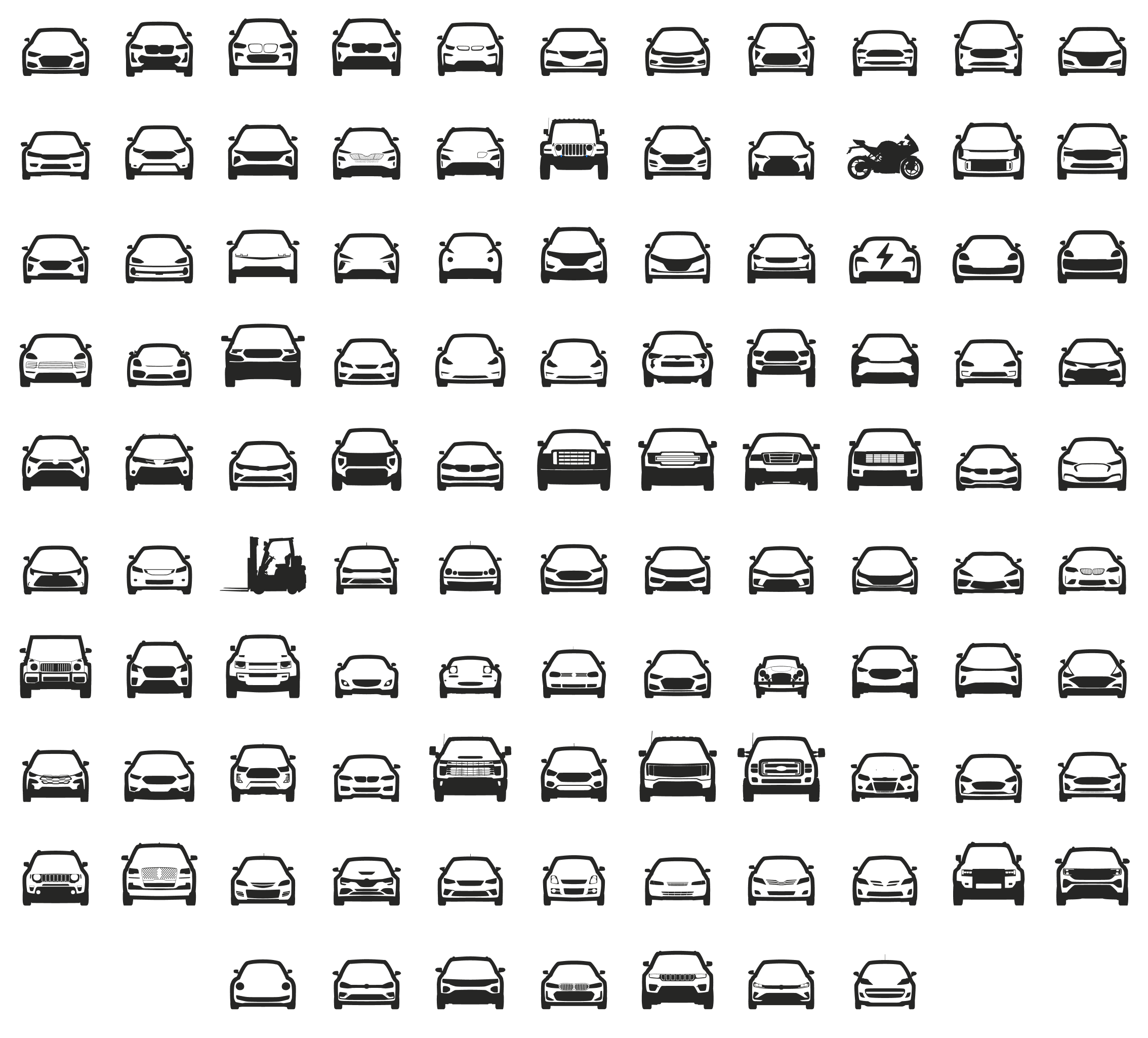
Car drawings
Every car is sketched, by hand, as part of the onboarding process. Each car is drawn to scale.
Key facts
- Name
- Pelican
- What it is
- A navigation app that gets to know your car, how you drive, and helps you navigate the road ahead.
- Latest version
- 5.1, September 2026
- Platforms
- iPhone (iOS 18 or later), CarPlay, Apple Watch (watchOS 11 or later)
- Price
- Free. Pelican+ membership from $6.99/month with a two-week free trial, or Pelican+ Lifetime once. ScanPlan sold separately; Connected Accounts is an add-on for Lifetime members.
- Languages
- 19 in the app, 33 for spoken guidance
- Availability
- App Store, worldwide
- Developer
- fearless design, LLC DBA Clutch Engineering
- Categories
- Navigation; Utilities
Boilerplate
Pelican is a navigation app designed by Clutch Engineering. It provides turn-by-turn directions with live car data and road reports from the Pelican community and public agencies. Drivers can share hazards with Scout reports and suggest corrections to OpenStreetMap, helping improve the map for everyone.
Key features
- Pelican Navigation, an on-device navigation engine powered by OpenStreetMap
- See speed cameras, red light cameras, license plate readers, surveillance cameras and toll gantries on the map
- Scout reports: hazards, police, closures and heavy traffic from drivers and from official road-authority feeds
- Map edits improve OpenStreetMap
- Live OBD data powered by the OBDb, the world's largest open database of OBD facts
- Drag-and-drop widget layouts and head unit mode
- Powerful and customizable map layers: The Danger Zone and The Fog
- All-day battery-preserving trip logging
About Clutch Engineering
Clutch Engineering is a bootstrapped studio in New York. Besides Pelican, it makes CAN Studio, a Mac tool for reading large datasets of car data; ELMCheck, a tool for checking the authenticity of OBD scanners; and Watchmen, an app that maps the surveillance cameras in public places. It maintains the OBDb, the open database of vehicle signal definitions, and became a corporate sponsor of the OpenStreetMap Foundation in 2025. Pelican began as an Apple Watch app for one electric car. More than 100,000 drivers now use it. The legal entity is fearless design, LLC DBA Clutch Engineering.
The founder
Jeff Verkoeyen founded Clutch Engineering and designs and builds Pelican. Jeff has designed for the iPhone since 2009. As the third engineer on Facebook's iOS team, Jeff built the first version of the Facebook iPad app, then took over Three20 and built Nimbus, open source iOS frameworks used by thousands of apps. In 2012 Jeff was on the team that launched Google Maps for iOS v1 and led its UX engineering, and later spent ten years at Google leading design and engineering guidance for Apple platforms, leaving as a Staff Software Engineer.





Brand guidelines
A few rules for using Pelican's name, marks and color. They are also in the press kit download.
- The name is Pelican, with a capital P. The membership is Pelican+, and the reports drivers share are Scout reports. Pelican is developed by fearless design, LLC DBA Clutch Engineering.
- Use the black pelican on light backgrounds and the white pelican on dark ones. The badge is always white on Pelican black.
- Leave space around a mark at least a quarter of its height. Show the pelican at least 24 px tall, and the badge at least 20 px tall.
- Don't recolor, stretch, rotate, outline or add effects to the marks, the app icon or Scout.
- Show the app icon as supplied, with the rounded corners iOS gives it.
- Pelican has one color, Pelican black: #262625, or 0.149, 0.149, 0.145 in Display P3. It is the dark gray behind the app icon.
- Headlines are set in SF Pro at its widest and heaviest, or in Archivo where SF Pro isn't available.
Contact
Press: press@clutch.engineering
Support: support@clutch.engineering