Pelican 5.1
Cameras on the map, drag-and-drop widgets, and dashboards



Dashboards
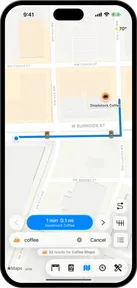
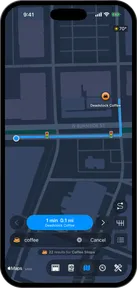
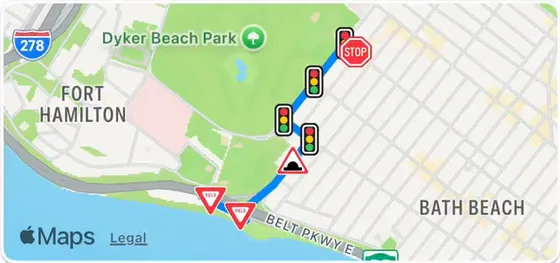
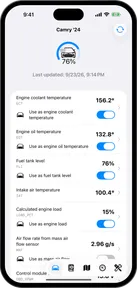
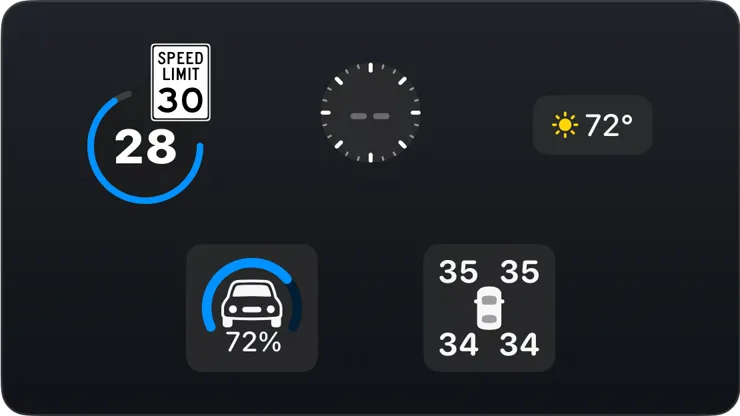
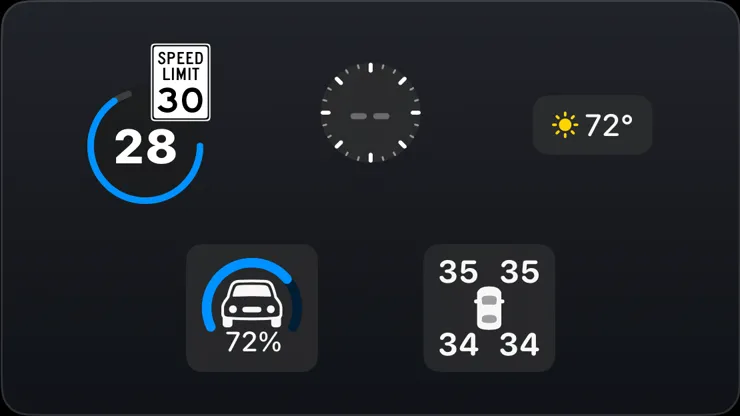
NewDashboards are a new widget surface that uses a pegboard layout, meaning you can place widgets anywhere on the screen. You can create separate dashboards for portrait and landscape.
Home and work
NewYou can now tag a home and work location in the new address book.
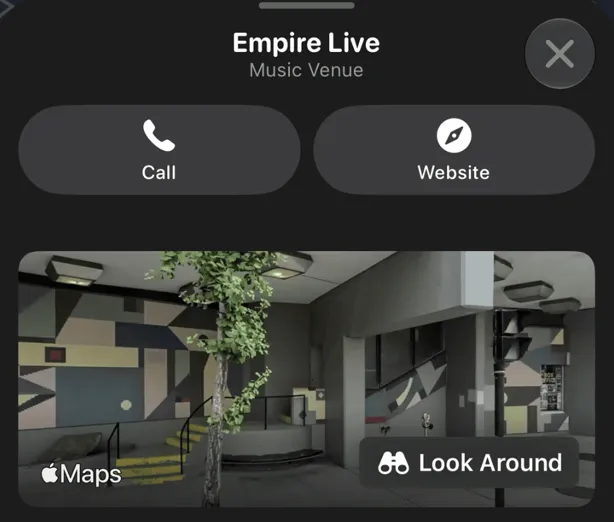
Look Around a place before you go
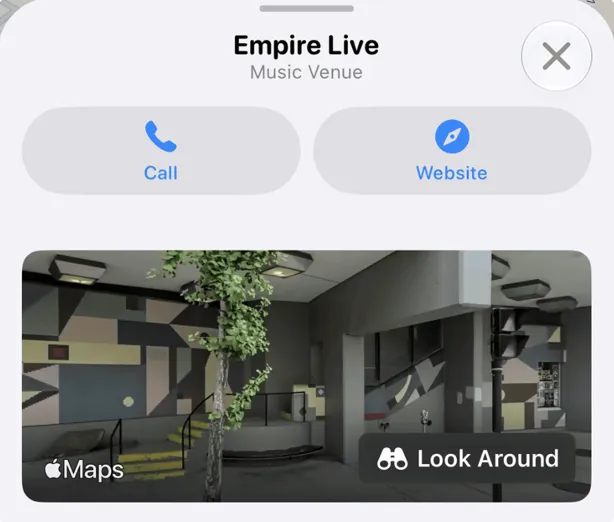
NewPlace sheets now open with street-level imagery when available.
OBD and your car
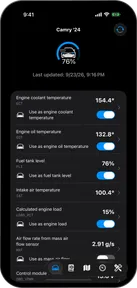
Improved- Pelican can now observe CAN responses and optimize the conversation for up to 2x throughput.
- Fixed bug where a scanner Pelican had given up on kept reconnecting and dropping every few seconds for as long as it stayed powered and in range.
- Fixed bug where a Seat Ibiza decoded as an Arona.
Improved
Improved- Pelican now tells you when an App Store payment for your membership is failing, while there's still time to fix it.
- Diagnostic traces now let you choose the attachments to include.
- The Map tab opens on the map now, rather than on a page asking you to turn trip logging on.
Map and CarPlay fixes
Fixed- Fixed bug where alternate routes weren't being shown.
- Fixed bug where dropped pins along a residential street would all report the same address.
- Fixed bug where unrestricted stretches of German Autobahn would show 255 as their speed limit.
- Fixed bug where the maneuver arrow disappeared into CarPlay's dashboard card, which can be light while the main screen is dark.
- Fixed bug where CarPlay's guidance panel could draw white text on a near-white background.
Bug fixes
Fixed- Fixed bug where leaving Trip logging settings and opening The Danger Zone would hang the app.
- Fixed bug where Pelican was failing to sync car data to Apple Watches via iCloud sync.
- Fixed bug where the Journeys car picker listed cars in a different order on every launch.
- Fixed bug where a stop at a red light could be recorded as a walk, splitting one drive into two trips.
- Fixed bug where long answers in Guess the Car caused incorrect layouts.
- Fixed bug where Pelican would crash when the diagnostic trace db failed to open.