
Meanwhile...

Stop sign
Salt Springs Rd at Seeley Rd, Syracuse, NY
“New stop sign at Seeley Road”
RejectApproveApproved
Sent to MapRoulette
FeaturesScout reports and OpenStreetMapLeave the map better than you found it
Suggest missing or incorrect speed limits, stop signs, traffic lights and cameras from CarPlay.
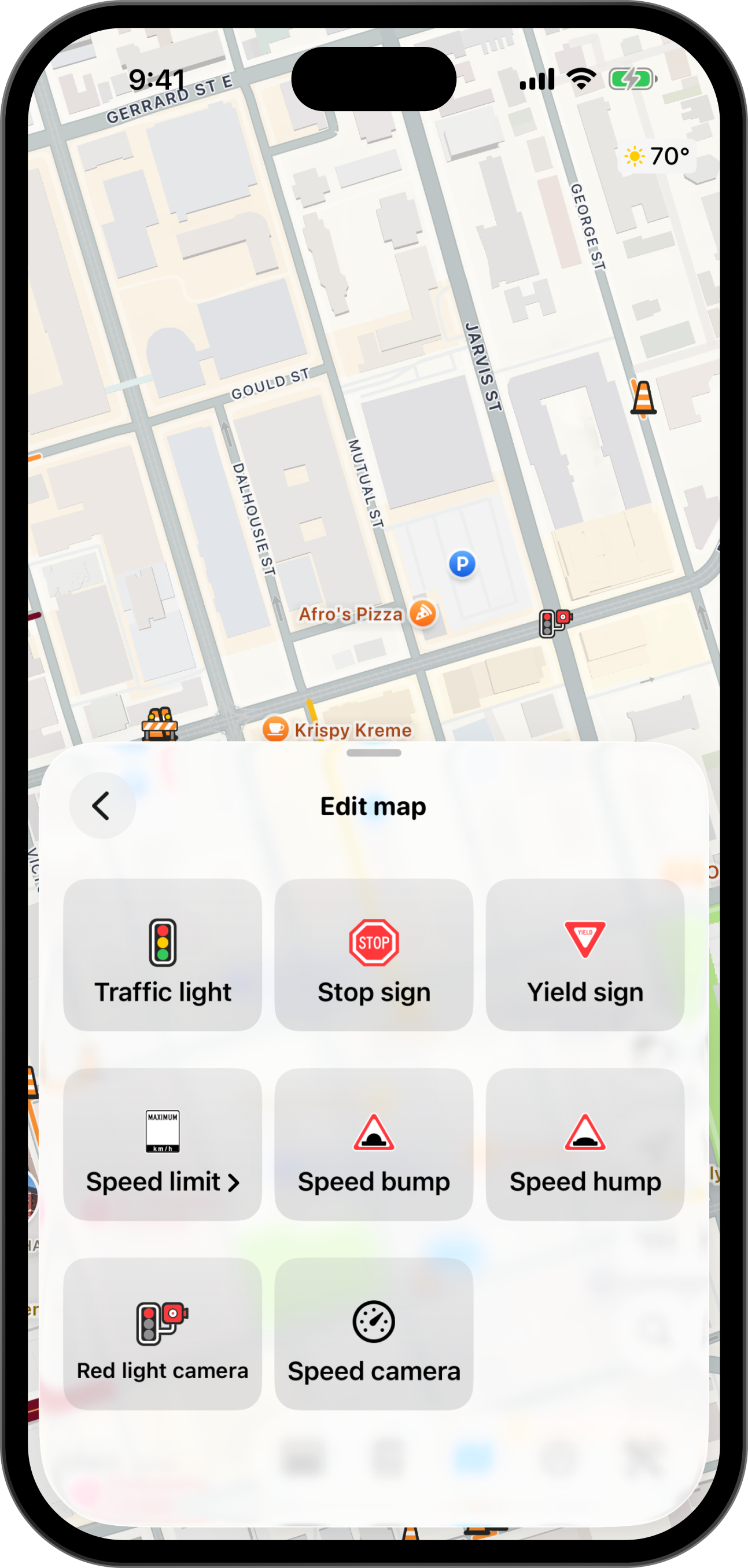
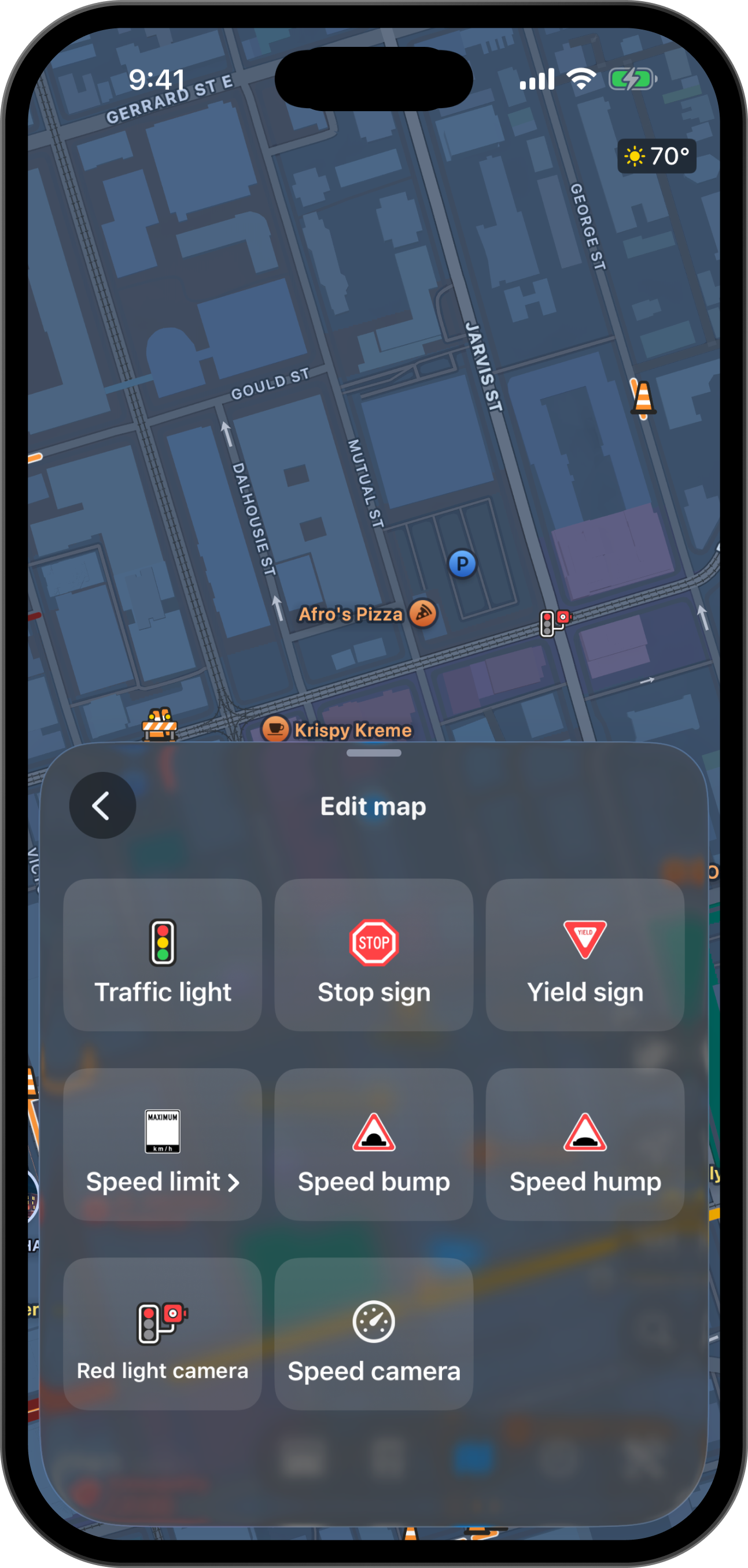
Watch Scout drive through a typical day of improving the map
A missing stop sign
A driver stops at a new stop sign. Pelican doesn't show it.
Suggest an edit
Add a voice note for added context.
A triager checks it
They see the report and grade, never who you are.
The edit is made
A mapper fixes the map from the MapRoulette task.
Word gets out
Pelican lets you know and your Scout grade improves.
The map is better!
Signs appear on the map within minutes of editing.
Sign in to Pelican to build your Scout profile. Earn a higher grade by making high quality contributions to the map. With each accepted contribution, you grade will improve until you eventually reach S tier, which comes with additional benefits including auto-triaged tasks and moving your edits to the front of the queue.
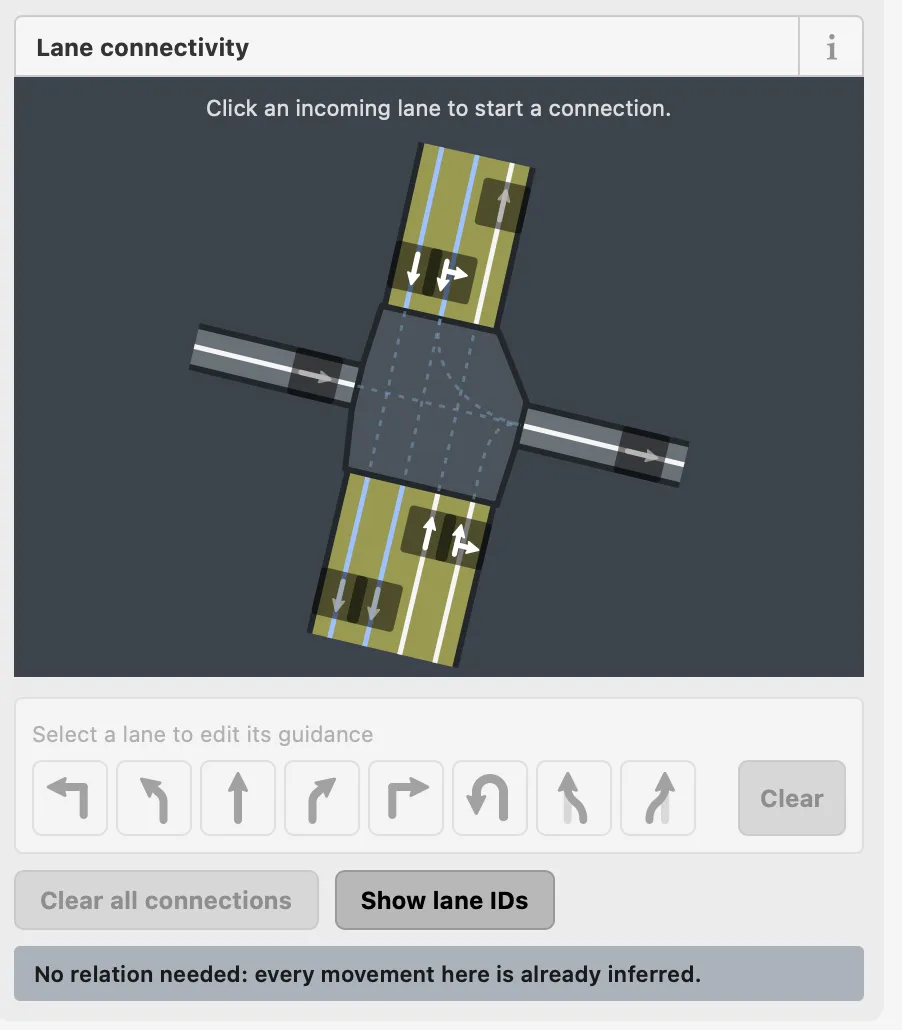
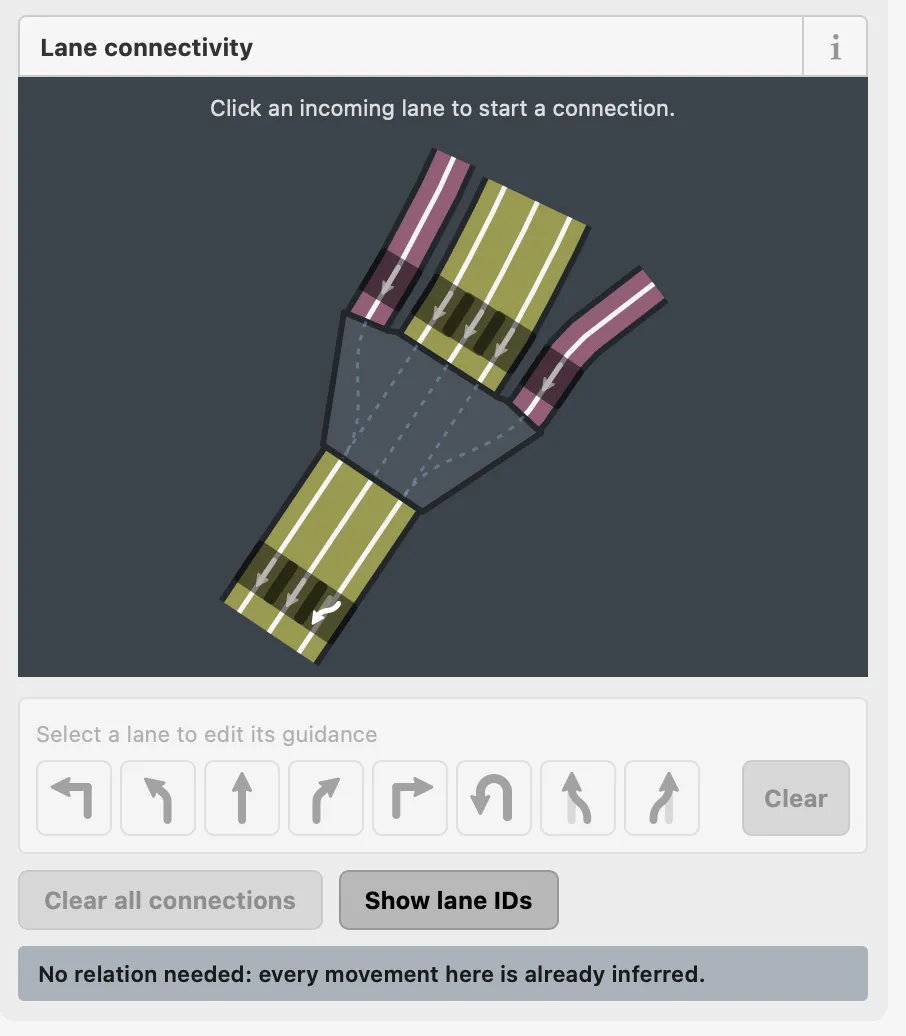
Triagers and mappers work in Clutch Engineering's fork of Rapid, the OpenStreetMap editor, with tools that make it easier to make the kinds of edits that Pelican drivers can report.
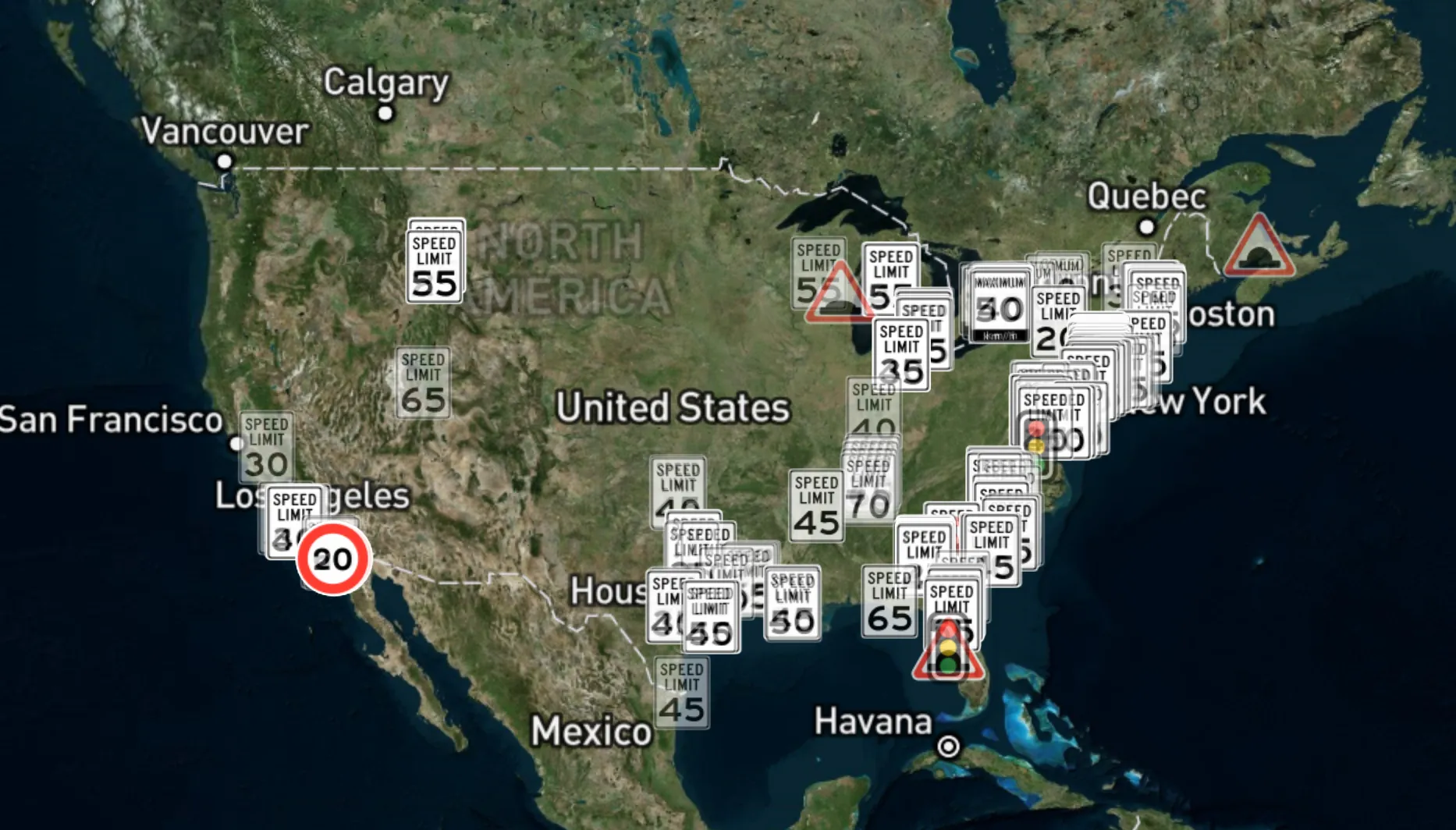
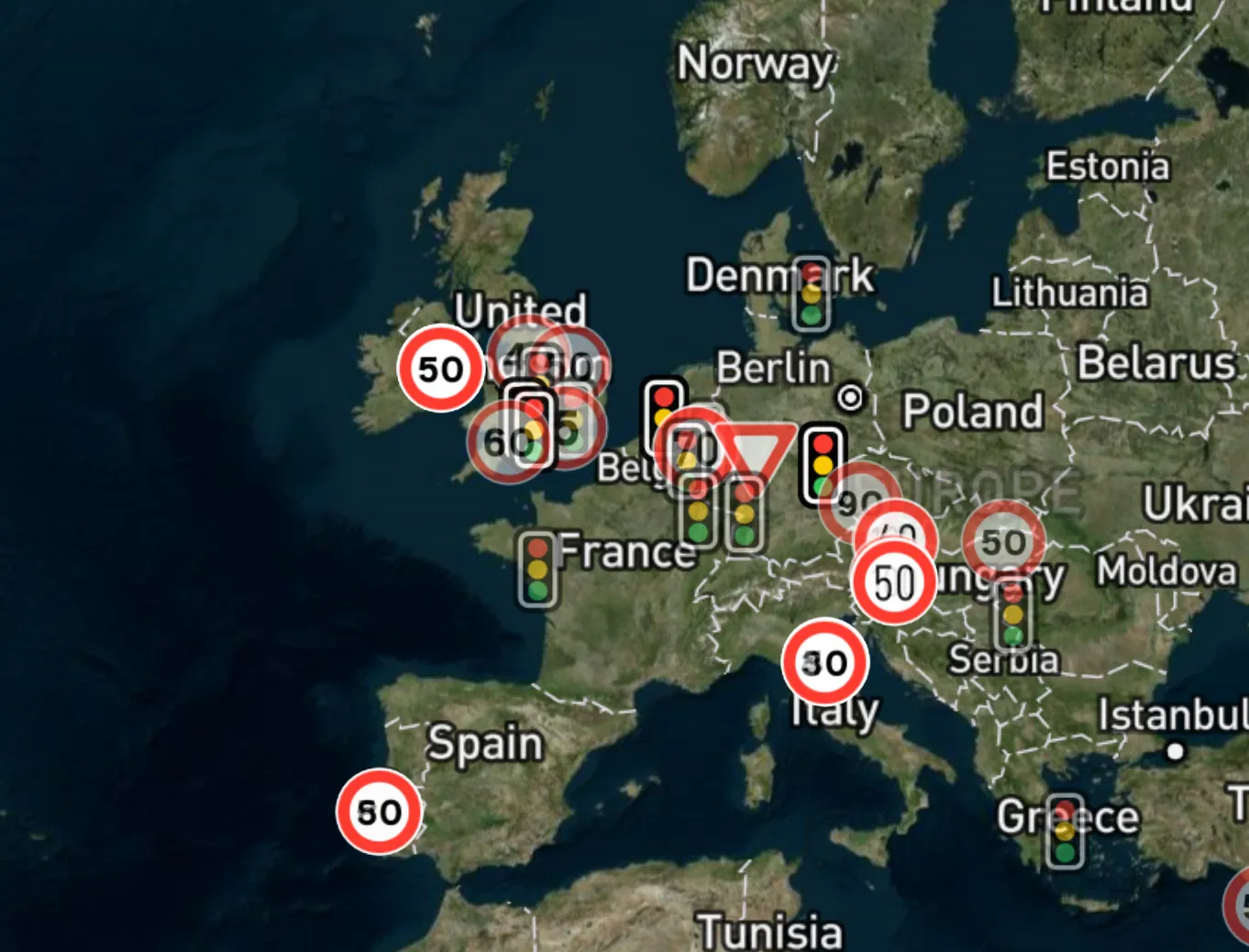
Share hazards, closures, accidents, police and more with Scout reports, and see the reports of the drivers ahead of you.
See updates from road crews, transportation agencies and weather services alongside reports from fellow drivers.
Keep your hands on the wheel and eyes on the road by using your voice to add context to your Scout reports.